
Where Can You Connect SindByte?
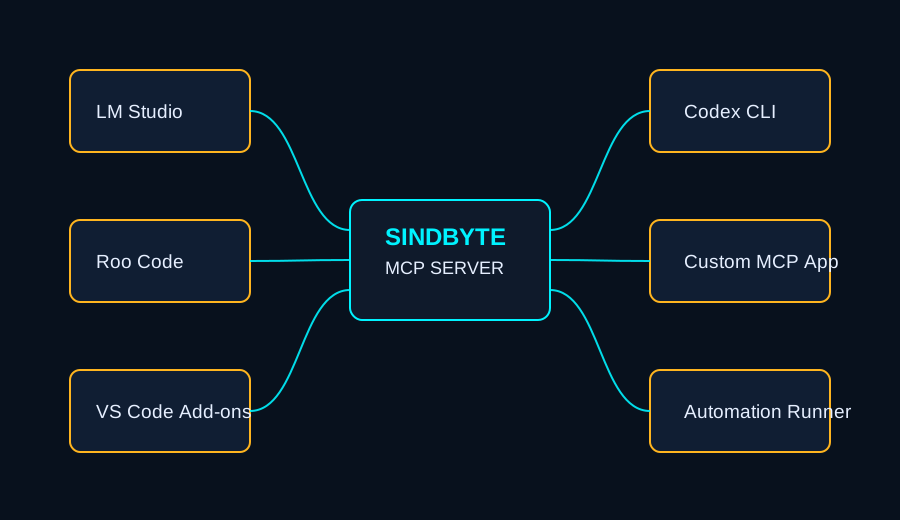
SindByte is a local Windows MCP endpoint, not a single chat client. You can plug it into local-model desktops, coding agents, editor extensions, and custom MCP-compatible apps.
http://127.0.0.1:5555/mcpTransport: streamable HTTP JSON-RPC
Practical note: the visible tool set depends on registration filters, credentials, and whether the build publishes compact or full registrations.
Connection Checklist
SindByte 01.exe on the Windows machine that should expose tools.127.0.0.1:5555/mcp.spr_server_assistant or ToolCatalog.ListCategories to inspect the current runtime surface.Live Runtime Surfaces

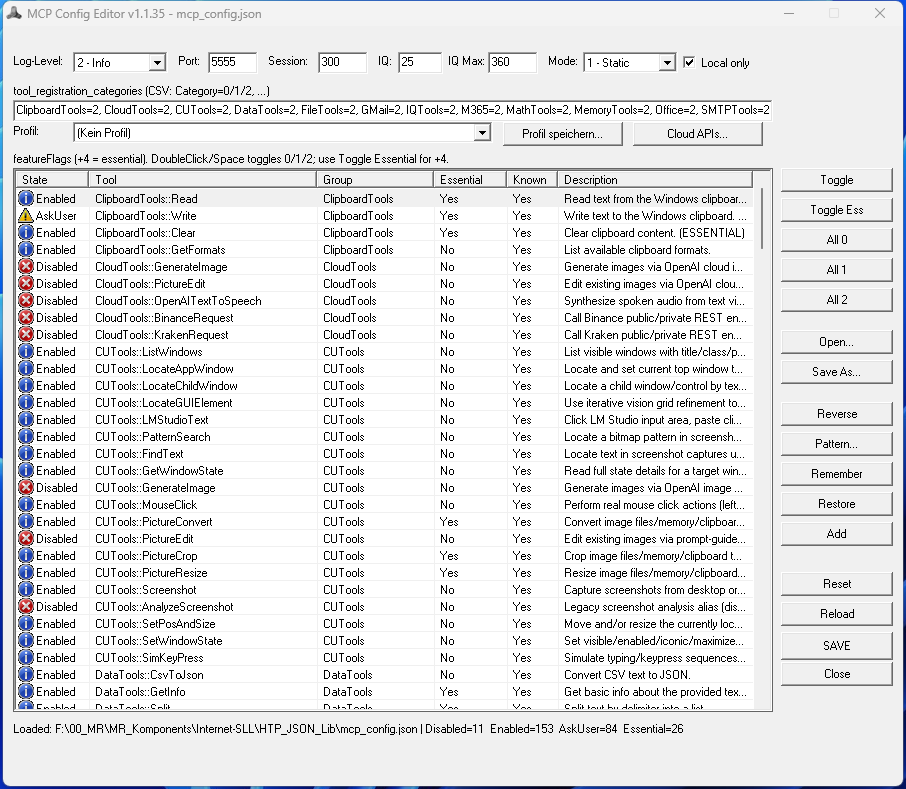
Connection-Relevant Live Forms
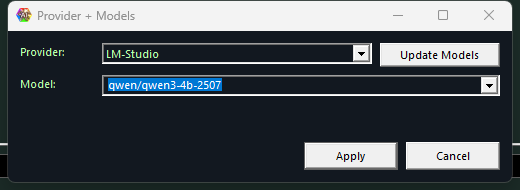 Provider + Models
Choose the provider stack and model routing before IQ or timer jobs are handed to a host workflow.
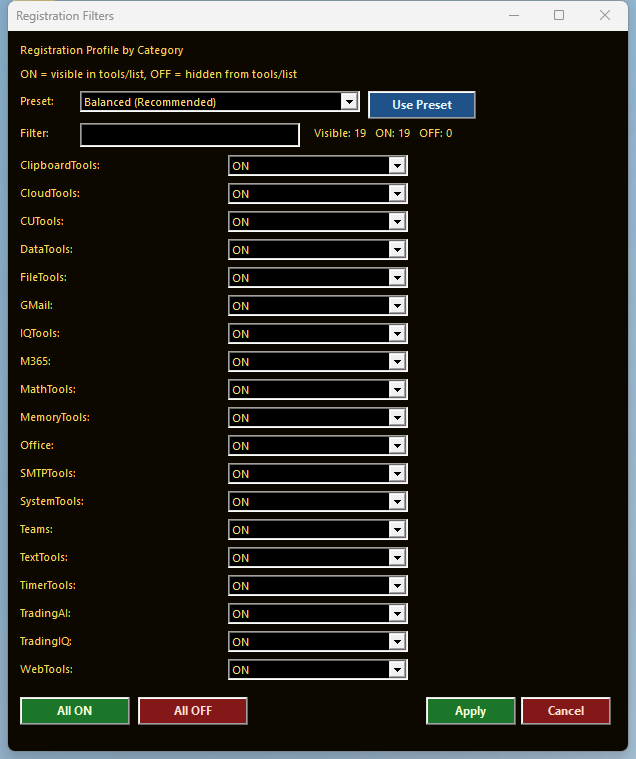 Registration Filters
Shrink the published surface when a client should only see a safer or narrower tool subset.
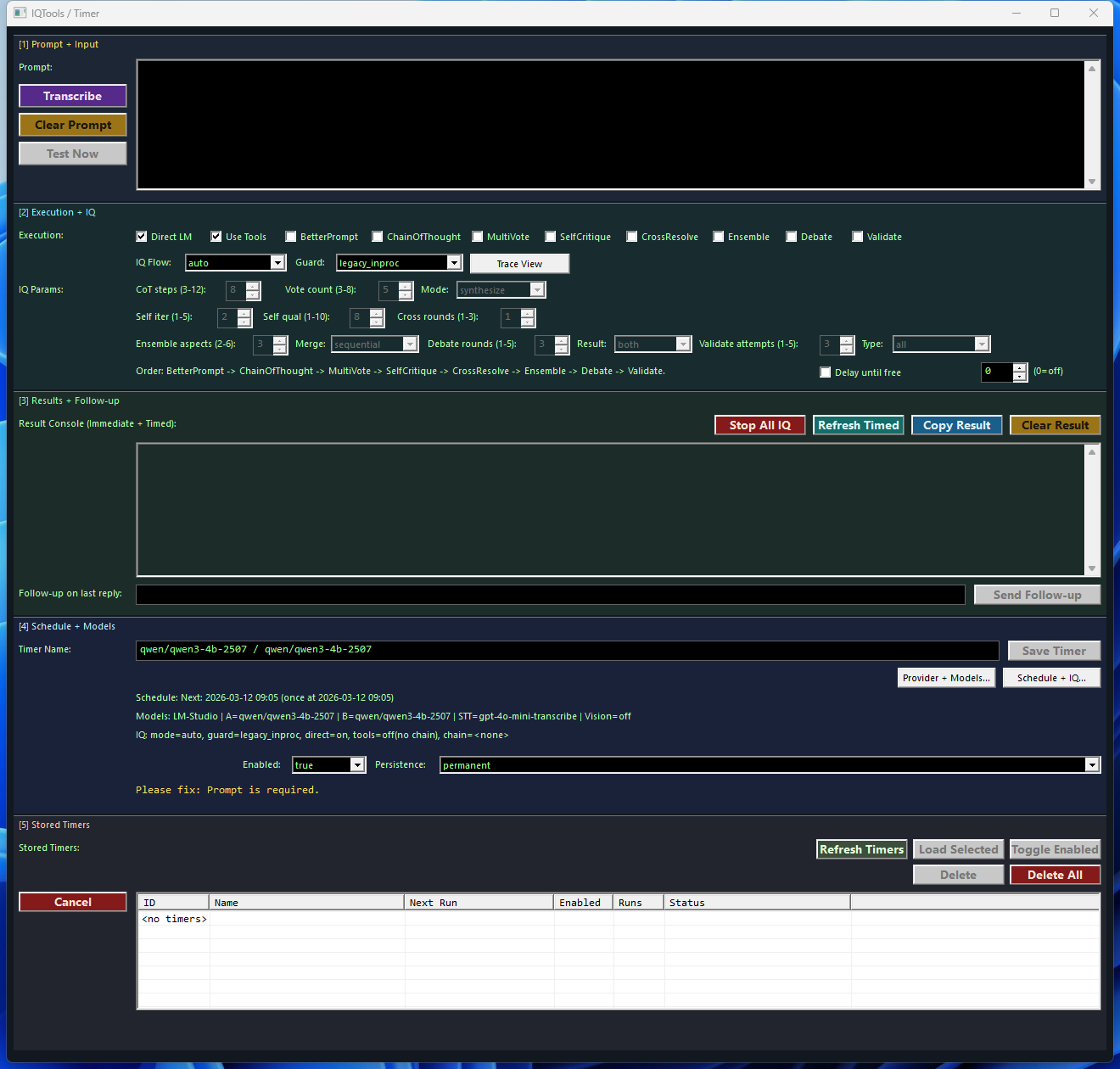 Timer + IQ
Real scheduled prompt surface for repeatable analysis, monitoring, and follow-up runs.
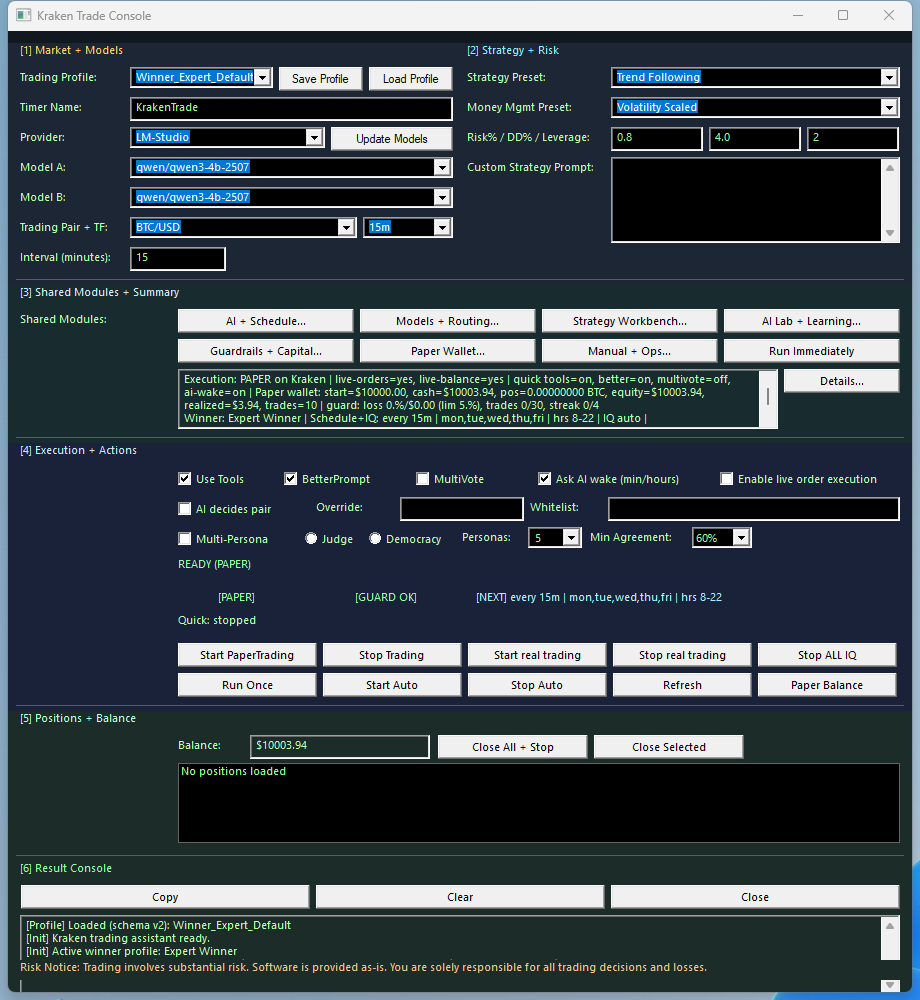 Trading Console
Credential-aware trading forms stay visible proof that the endpoint can serve more than file and shell routes.
First Technical Validation
/mcp, the runtime is ready. If a host still shows too few tools, the next suspects are registration mode, filters, credentials, and host cache.
MCP Lifecycle in 3 Calls
initialize establishes the session and capabilities.tools/list shows the currently published catalog.tools/call executes one route inside the local runtime.FTPTools Skill: Remote Web File Workflows
Use this sequence when you want SindByte to read/edit remote web files (such as this site’s /spr or /aispr content).
FTPTools::SelectProfile and use the same call shape above.
Supported Client Patterns
| Client | Best fit | What it gets from SindByte | Operational note |
|---|---|---|---|
| LM Studio | Local private workflows and model experiments | Full local MCP bridge, Dialog-LAB companion flows, desktop and file automation | Strong fit when you want local inference plus local tool execution on the same PC |
| Roo Code / Cline | Coding, repo maintenance, ops workflows | FileTools, DataTools, SystemTools, CUTools, IQTools, image tools, timers | Reload after schema changes; use ask-first flags for destructive tools |
| Codex / agent CLI | Structured agent runs and multi-step automation | Consistent MCP endpoint for tool calling, image generation, file and system actions | Best when the agent already manages plans, diffs, and verification loops |
| Custom MCP clients | Internal apps, dashboards, orchestration layers | Standard MCP JSON-RPC initialize, tools/list, tools/call |
Client-visible tool count will vary with credentials and registration mode |
LM Studio Example
Use the local MCP URL and reload LM Studio after changes.
Roo Code / Streamable HTTP Example
Use streamable HTTP in clients that differentiate transport types.
What Changes by Client?
Published tools
The current config audit shows 237 feature-flag entries across 19 MCP families. Add the two core/runtime routes and the host-callable surface becomes 239 tools, but any given client still sees only the currently registered subset.
Credential-gated routes
Families such as M365, Teams, Gmail, cloud image flows, and trading venues require valid keys before they become practically usable.
Safety posture
Use ask-first flags and essential-only publication when you want a coding agent or office assistant to stay inside a narrow tool perimeter.
Next Step
After the client is connected, move to the manual for provider selection, registration filtering, timers, image tools, Dialog-LAB, and Trading Hub.
Open Manual