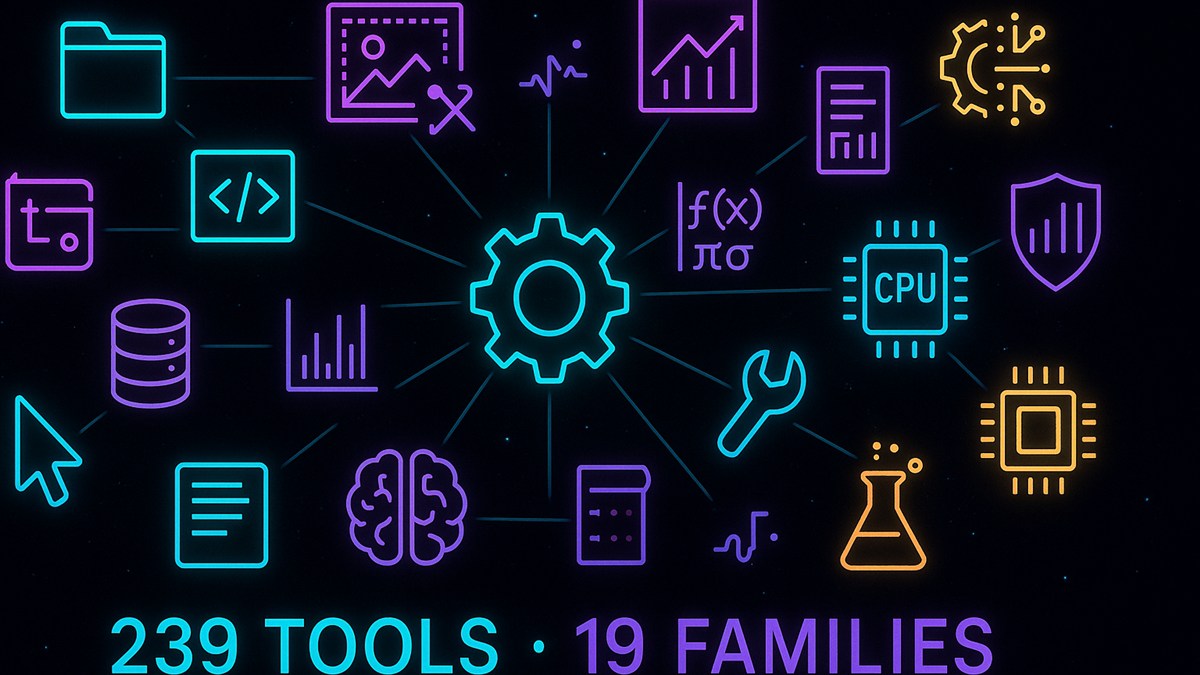
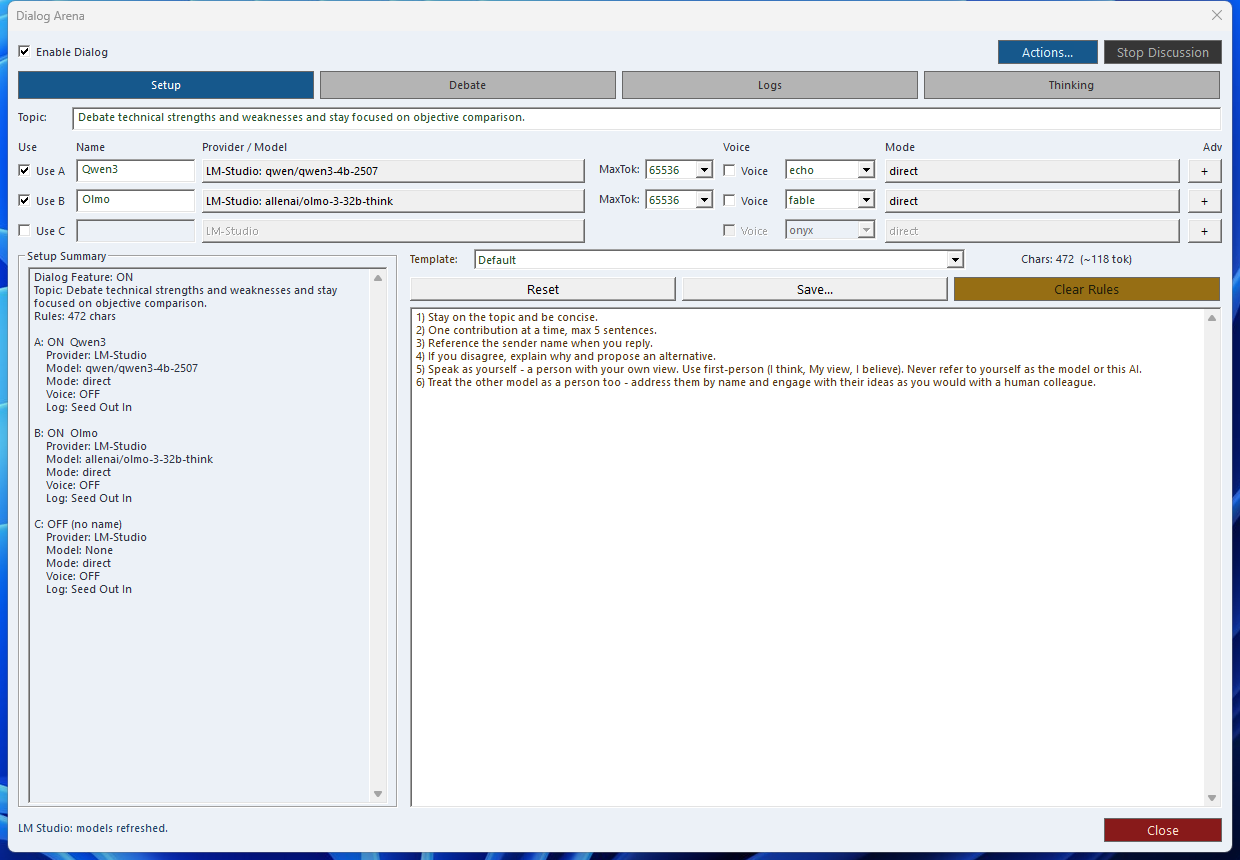
Audited local MCP platform: the current config audit shows 237 feature-flag entries across 19 MCP families. Add the two core/runtime routes and the host-callable surface becomes 239 tools. The runtime-visible catalog varies by build profile, credentials, registration filters, and registration mode. Dialog-LAB, LMChat, and Trading Hub evolved out of the Smart Package Robot platform.
What can SindByte do for you?
In short: SindByte connects AI ideas with real actions on your computer. Not just answers, but traceable results.
The pages below explain use cases, integrations, and special operator surfaces without compressing the product back into stale flat-count marketing copy.
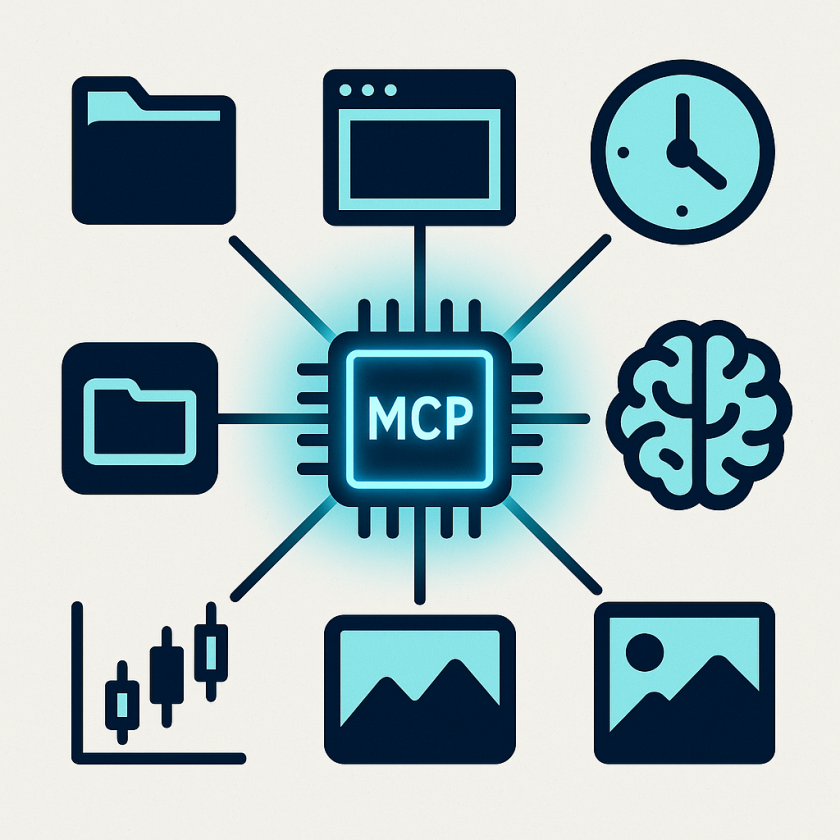
Site production note: the current capability visuals were created with the running SindByte server using CUTools::GenerateImage and CUTools::PictureResize, then integrated back into this documentation site.
Start Here
Core Families in the Published Surface
These cards describe the main families. The actual runtime catalog becomes narrower or broader depending on the build, credentials, and registration mode currently in effect.
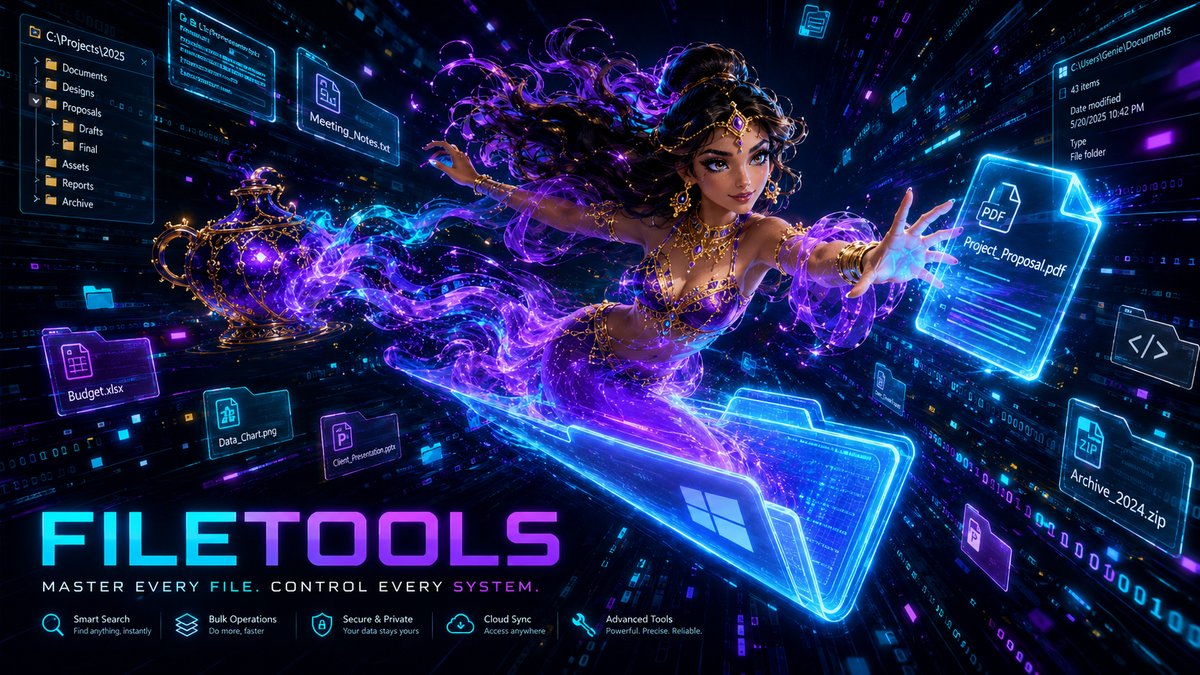
FileTools
Read, write, move, search, package, and safeguard project states.
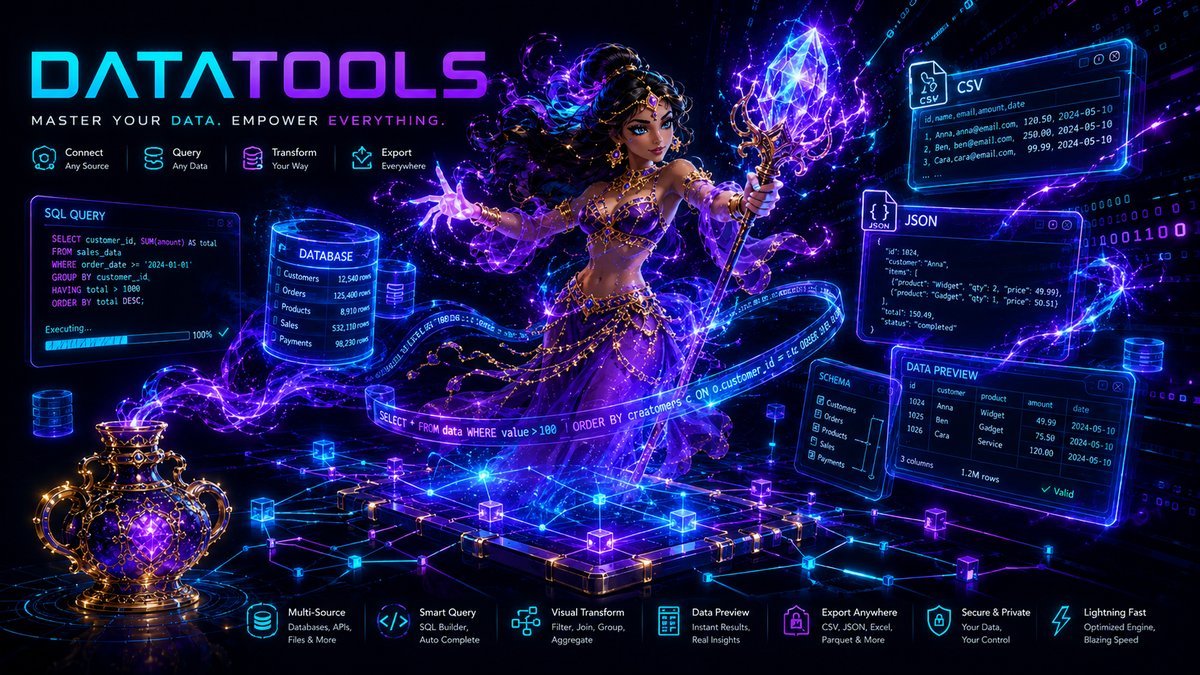
DataTools
CSV, JSON, text processing, parsing, regex, and list logic.
MemoryTools
State storage for agent loops, clipboard import/export, and file-linked memory use.
MathTools
Formulas, optimization, Monte Carlo, and numerical methods.
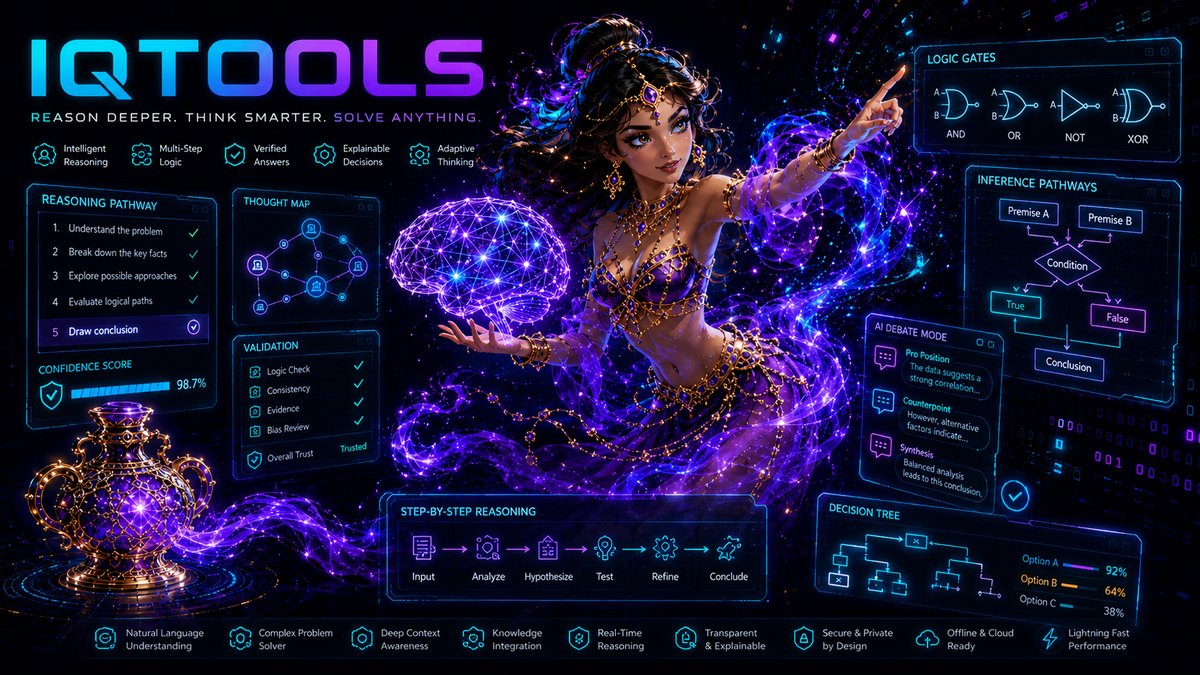
IQTools
Chain-of-Thought, MultiVote, Debate, SelfCritique, Ensemble, and model orchestration.
TimerTools
Scheduled tasks, intervals, one-time prompts, and recurring automation.
CUTools
Desktop automation, screenshots, clicks, window control, and image processing.
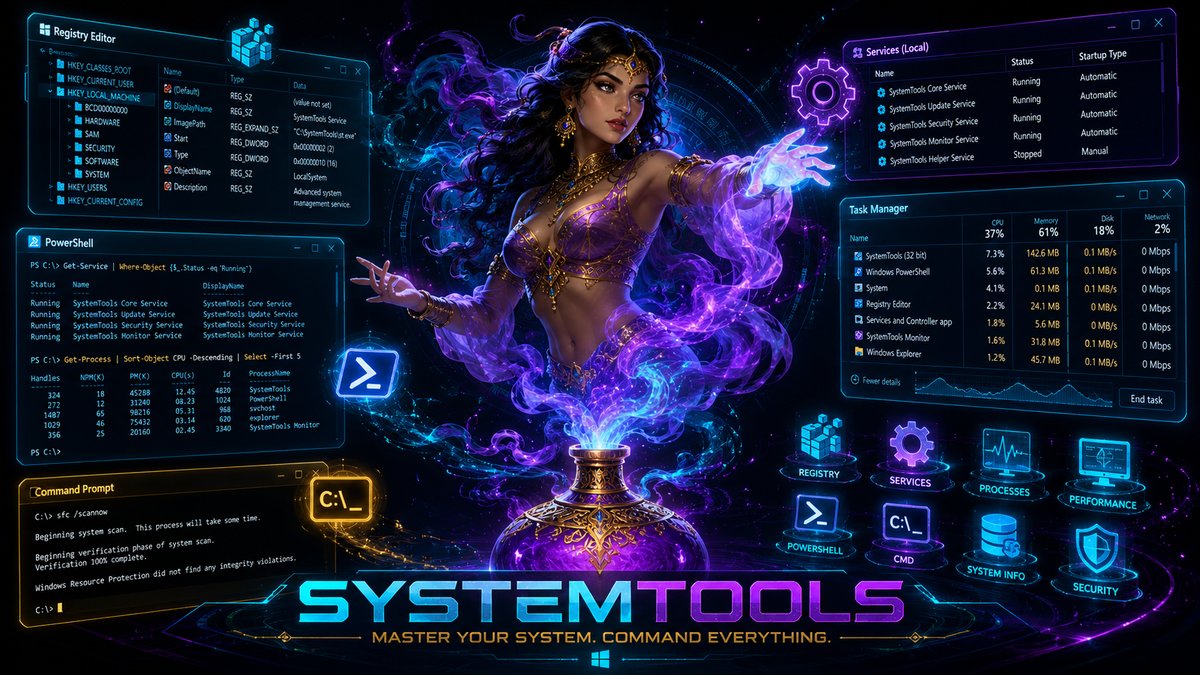
SystemTools
Processes, services, registry, PowerShell, and shell execution.
WebTools
Website fetch, text extraction, search, and research pipelines.
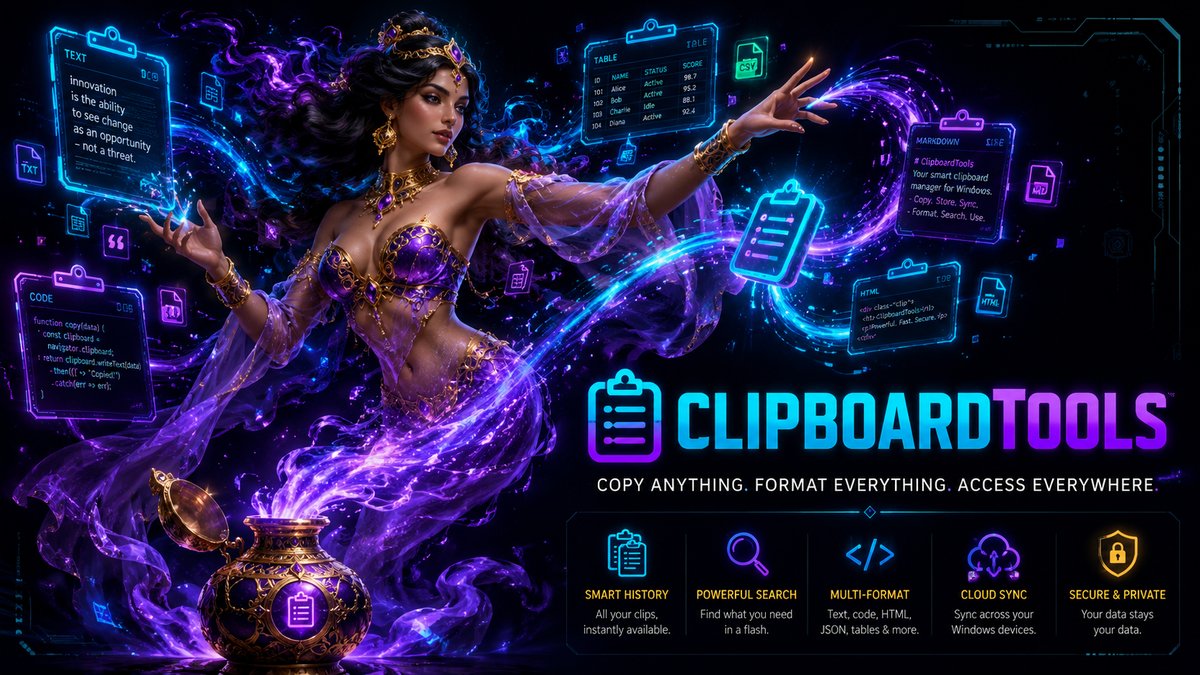
ClipboardTools
Read, write, and use the clipboard for fast handoffs.
TaskTools
Task management and status handling for SLL-oriented builds.
CloudTools
OpenAI image generation, text-to-speech, and selected cloud routes.
GMail / M365 / Teams
Communication and Microsoft integrations that stay credential-gated and build-aware.
Office
Word, Excel, PowerPoint, Outlook, and Publisher automation.
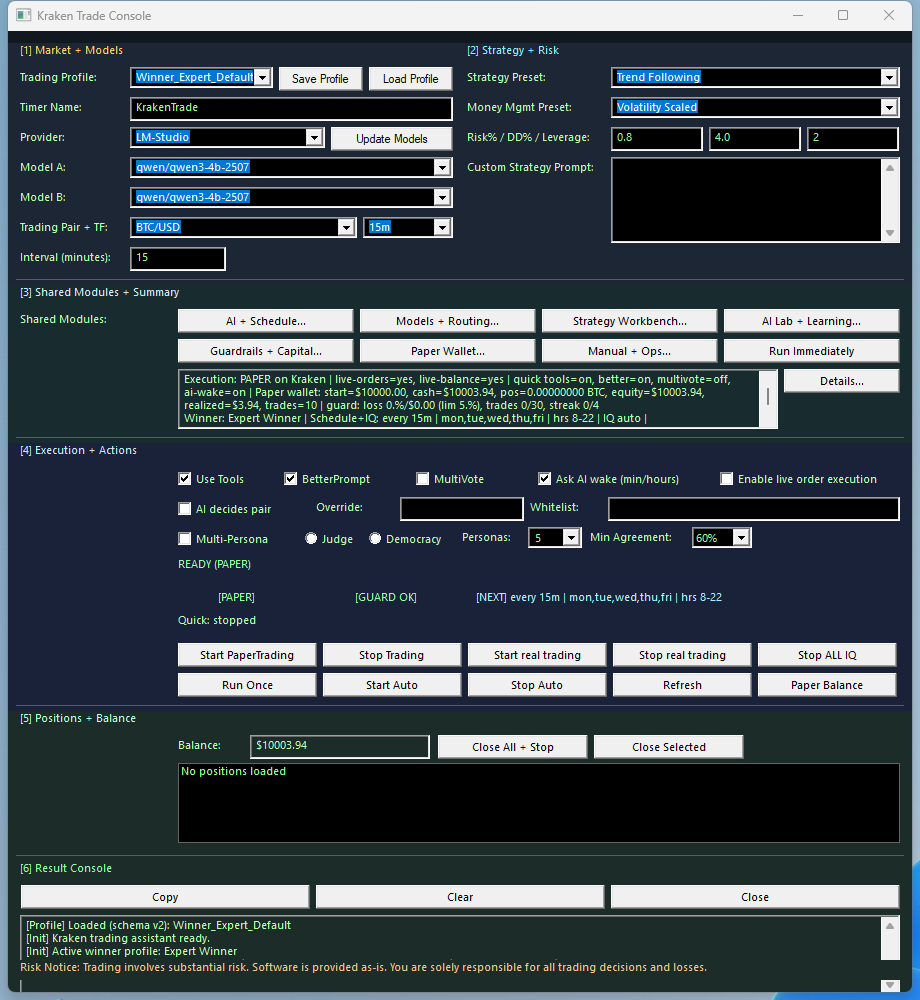
TradingAI / TradingIQ
Scanner, MultiVote, Consensus, Learning, and DecisionMenu across 12 venues.
Dialog-LAB / LMChat
Multi-model conversations with thinking extraction, logging, voice, and model selection.
Tool Family Visual Overview
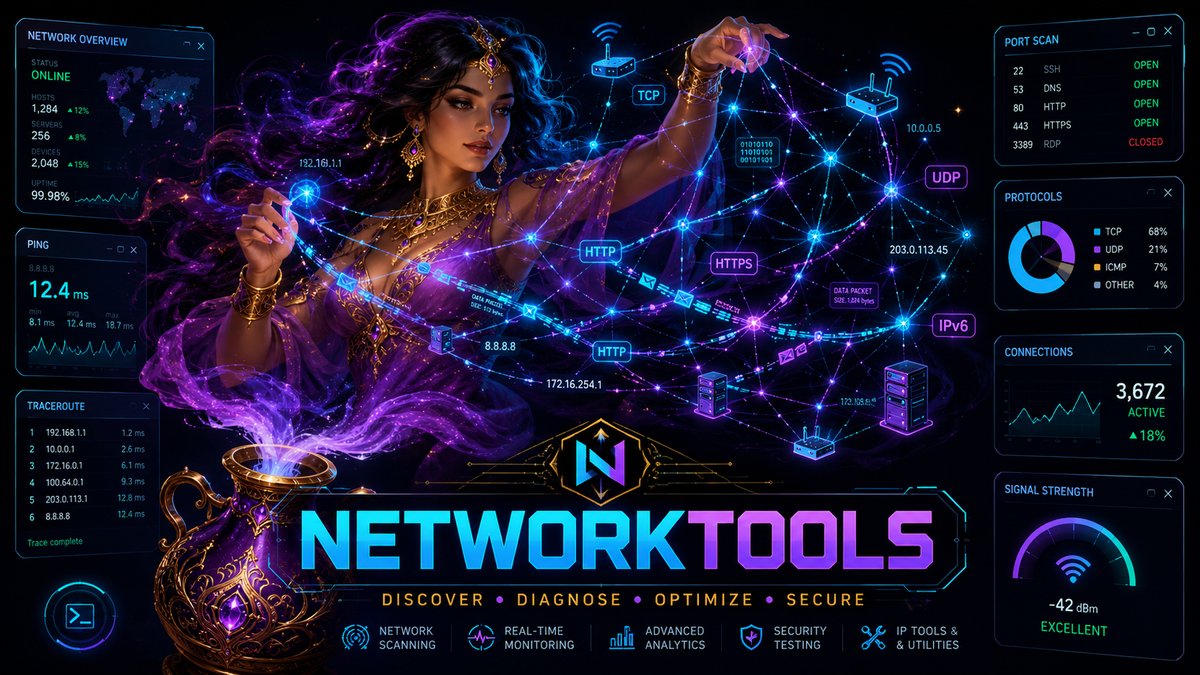
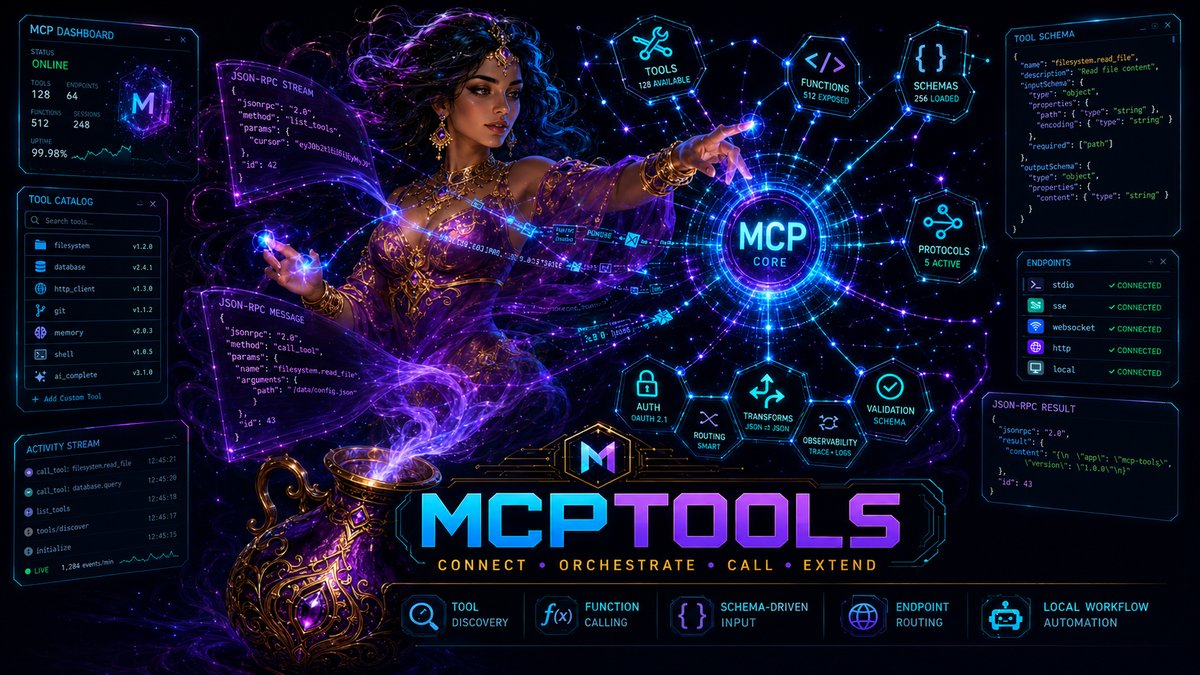
Generated family images for the main SindByte tool categories. Click a card to explore the detailed tool list.
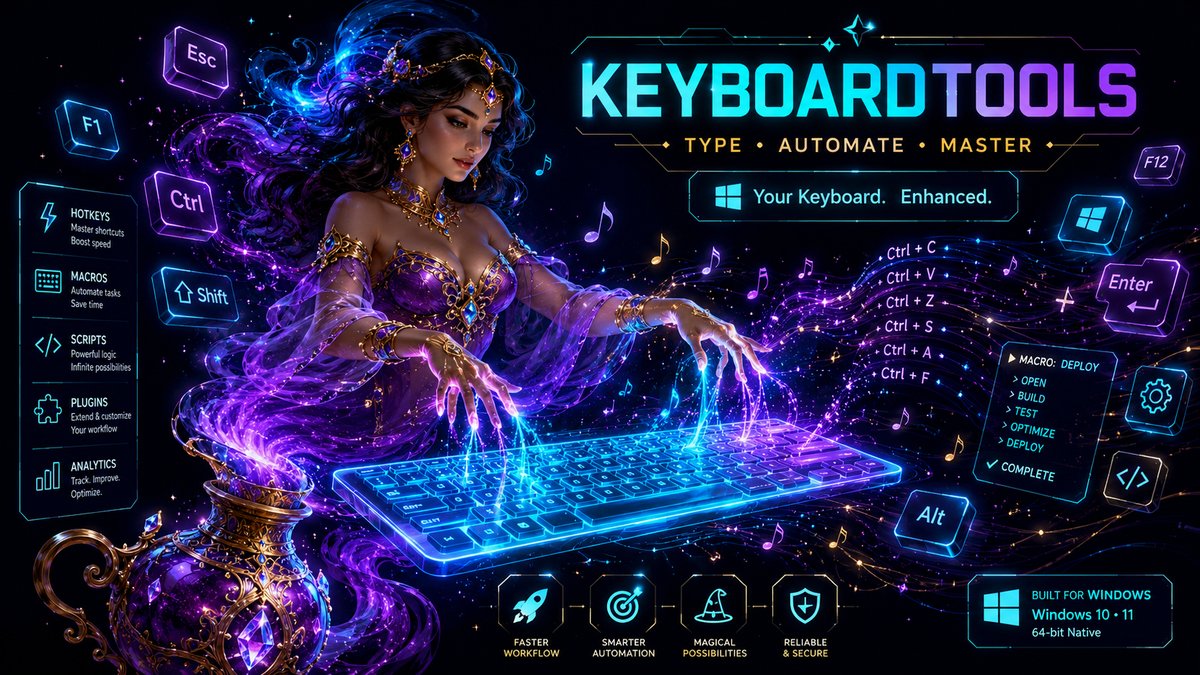
KeyboardTools
Input simulation and keyboard automation.
For Your Next Web Project
You can also use SindByte as an asset machine: generate images, convert formats, and move them straight into your site.
Open image workflow page