SystemTools
21 Tools for System Management
Windows system management with access to processes, services and registry.
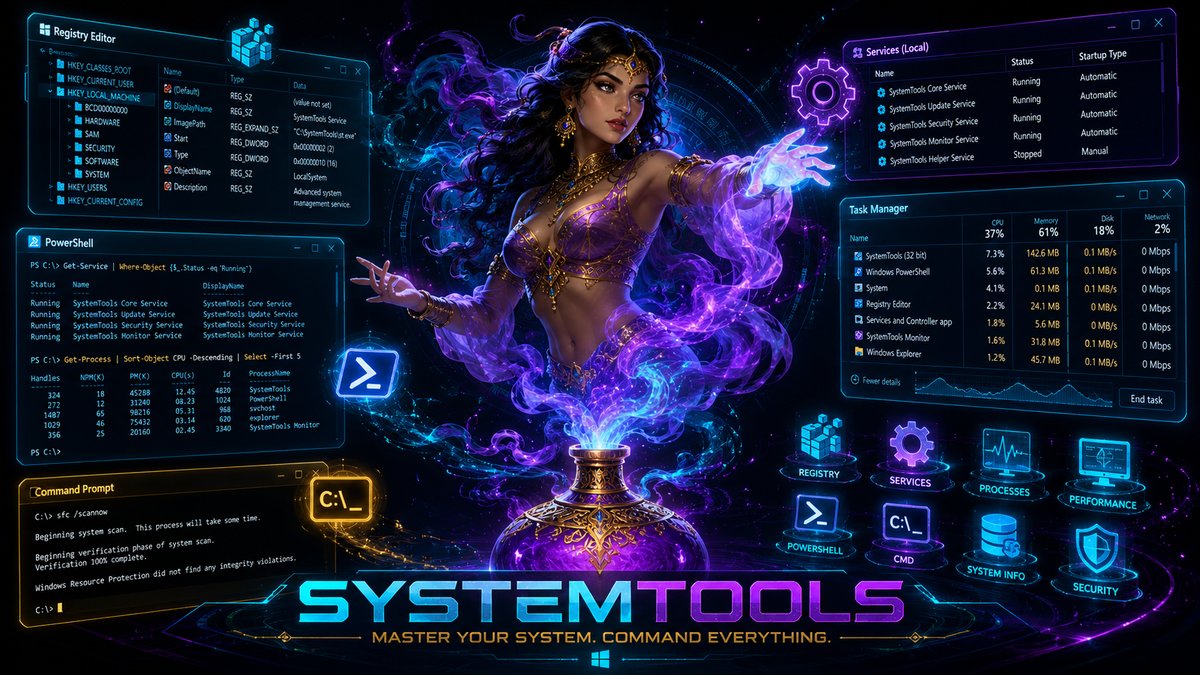
List all running processes. Determine PID, memory usage and status of all applications.
Example: "Show me all running processes"List all Windows services. See which services are running, paused or stopped.
Example: "List all installed services"Get detailed information about a service. Startup type, dependencies, description and more.
Example: "Show details for service 'Spooler'"Start a Windows service. Activate services that are currently not running.
Example: "Start the service 'Windows Update'"Stop a running Windows service. End services that are no longer needed.
Example: "Stop the service 'Print Spooler'"Restart a service. Useful for hanging services or after configuration changes.
Example: "Restart the SQL Server service"Execute system commands. Run direct commands to the command line.
Example: "Execute 'ipconfig'"Execute PowerShell scripts. Use the full power of PowerShell automation.
Example: "Execute this PowerShell script"Execute batch files (.bat, .cmd). Start existing automation scripts.
Example: "Execute backup.bat"Get the output of an executed command. Process the return from commands.
Example: "Show me the result of the last command"List subkeys of a registry key. Browse the Windows registry.
Example: "List all subkeys under HKLM\Software"List all values of a registry key. See data and types of registry entries.
Example: "Show all values in the Run key"Create a new registry key. Create configuration settings.
Example: "Create the key HKCU\MyApp\Settings"Delete a registry key. Remove entries that are no longer needed.
Example: "Delete the key of the old software"Write a value to the registry. Set configuration settings.
Example: "Set the value 'Version' to '2.0'"Delete a single registry value. Remove specific entries.
Example: "Delete the value 'LastRun' from the registry"Read environment variables. Determine paths, usernames and system settings.
Example: "Show me the value of PATH"Determine installation paths of programs. Find where software is installed.
Example: "Where is Microsoft Office installed?"Determine the parent process of conhost.exe. Analysis of console applications.
Example: "Which application started this console window?"Determine which services are running in an svchost process. Assignment of system processes.
Example: "Which service is running in svchost PID 1234?"Confirm critical operations before execution. Security query for dangerous actions.
Example: "Confirm before deleting the file"Typical Use Cases / Typische Anwendungsfälle
"List all running processes and show me which ones use the most memory" / "Liste alle laufenden Prozesse und zeige mir, welche am meisten Speicher nutzen"
Quick system health check"Show me all environment variables starting with JAVA" / "Zeige mir alle Umgebungsvariablen, die mit JAVA beginnen"
Developer productivity"List all stopped services that should be running" / "Liste alle gestoppten Dienste, die laufen sollten"
System administrationRelated Categories / Verwandte Kategorien
Control Windows with AI / Steuern Sie Windows mit KI
Download SindByte for free and manage system settings with natural language. / Laden Sie SindByte kostenlos herunter und verwalten Sie Systemeinstellungen mit natürlicher Sprache.
Download Free / Kostenlos herunterladenWindows 10/11 • No admin rights needed for most tools / Keine Admin-Rechte für die meisten Tools nötig