
Tool Details without Marketing Fog
This page explains what each family solves, when it is useful, and how it fits into the live SindByte runtime.
How to Read the Surface
Local Core
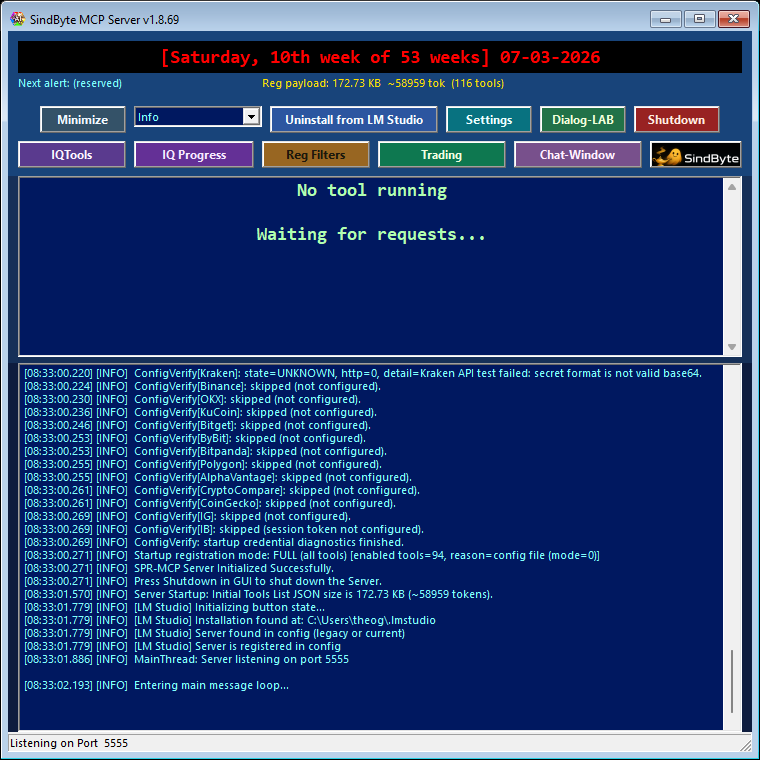
File, data, system, memory, clipboard, and desktop automation families work as the practical Windows bridge.
These are the first surfaces to validate when you want offline utility.
Credential-Gated Families
Cloud, Gmail, M365, Teams, and parts of trading remain dormant until credentials and registration settings allow them.
Absence in a client does not automatically mean the feature is missing from the product.
Form Surfaces
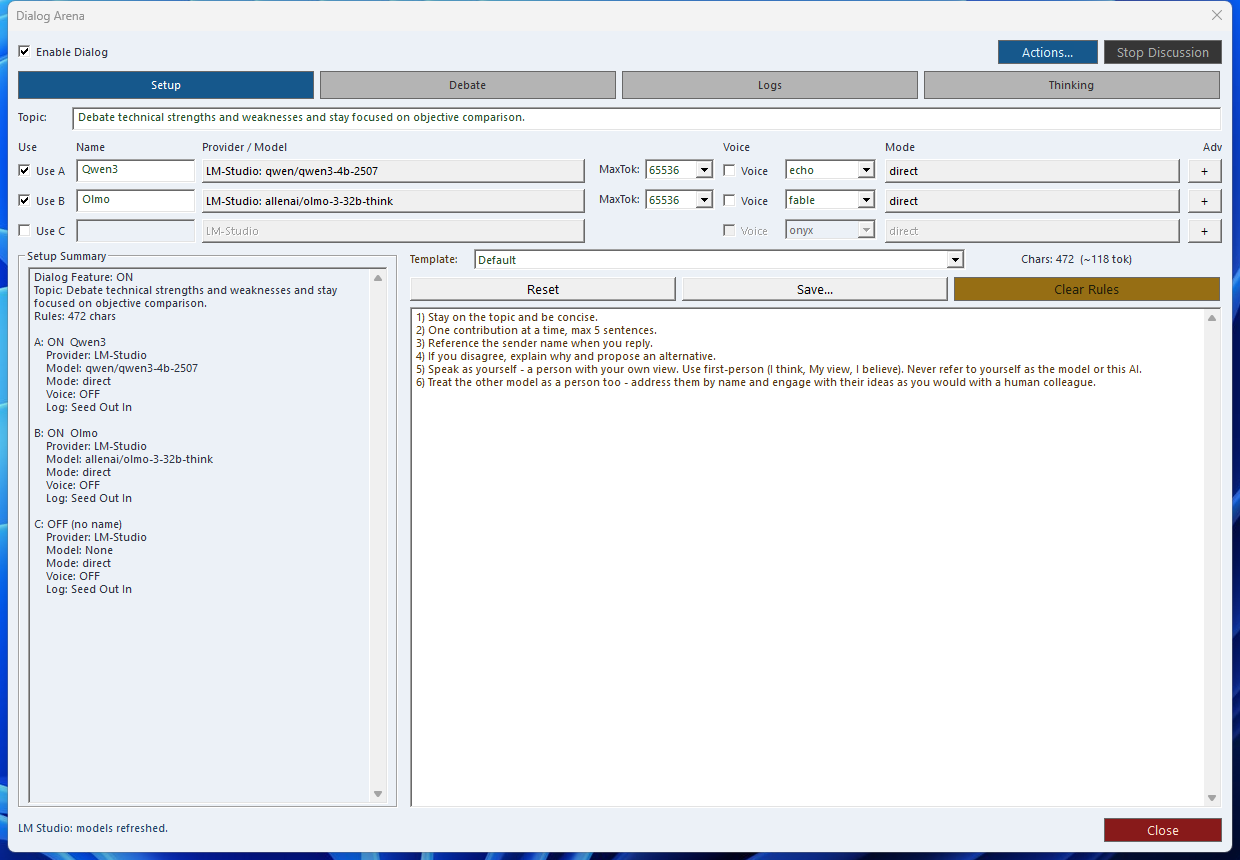
Dialog-LAB, LMChat, Timer screens, Config UI, and Trading Hub are product forms around the MCP server, not just bare tool names.
The website now documents both tool families and operator-facing forms.
Real Product Forms Behind the Categories
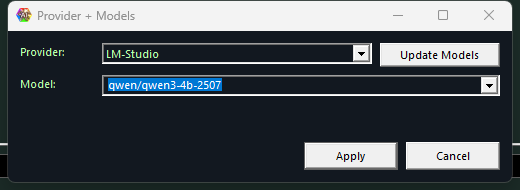 Provider + Models
Connect IQ runs and cloud-backed routes to the right provider and model stack.
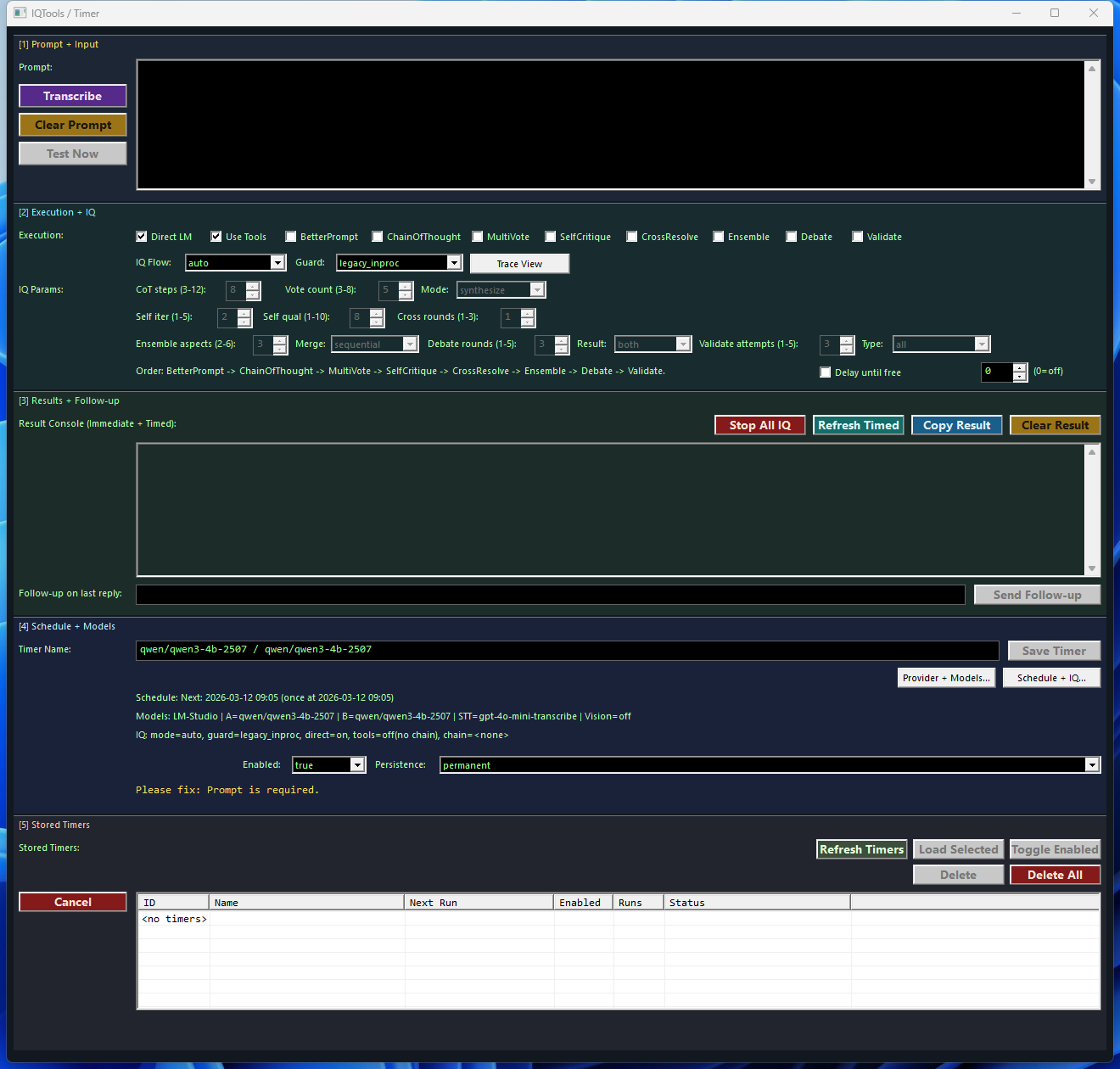 Timer + IQ
Turns one good prompt into a scheduled operating routine with stored follow-up behavior.
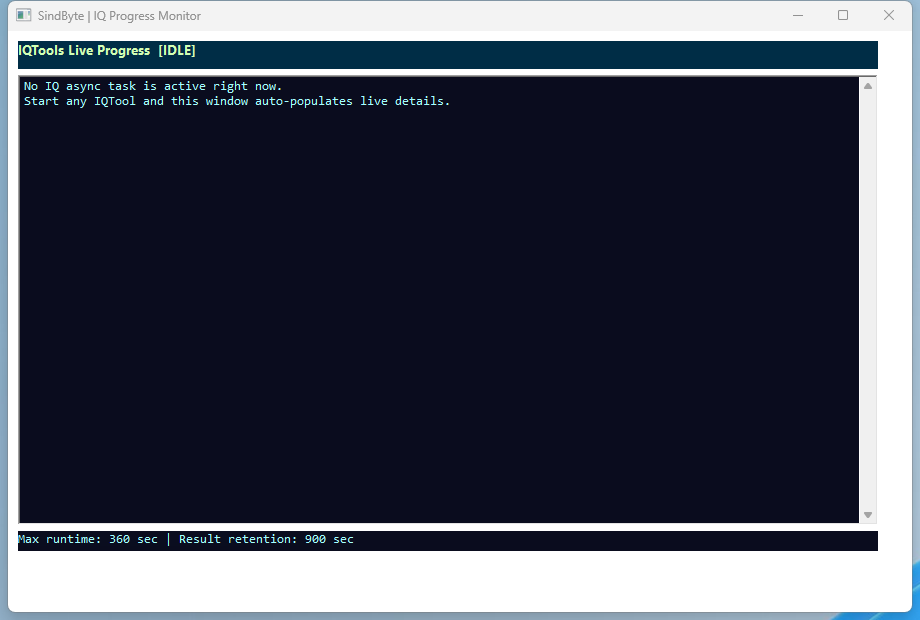 IQ Progress
Shows that the reasoning families also have a live monitoring surface, not just callable names.
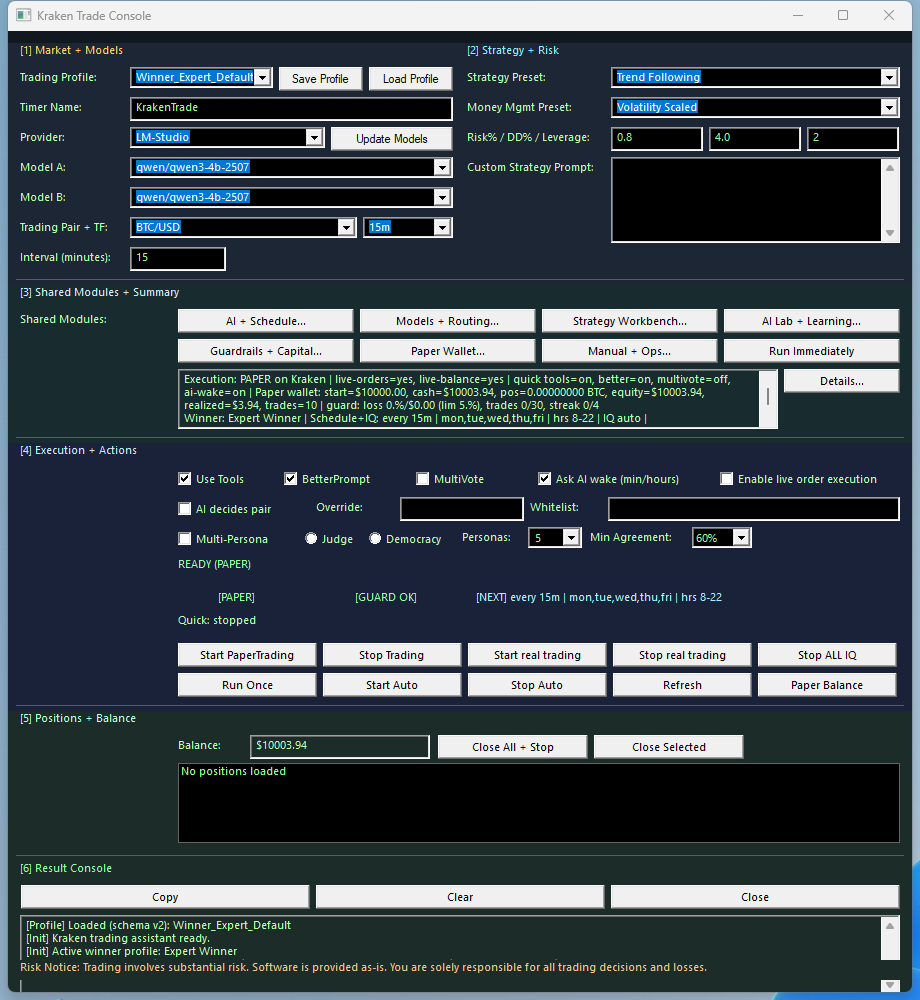
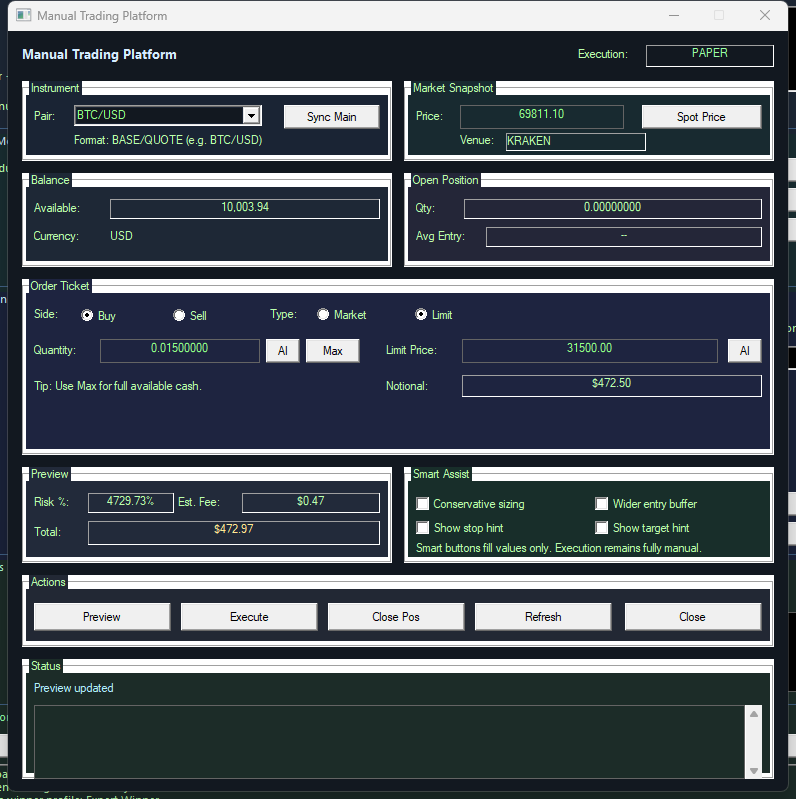 Trading Forms
Manual trading and paper-first execution sit beside the audited MCP catalog as real product forms.
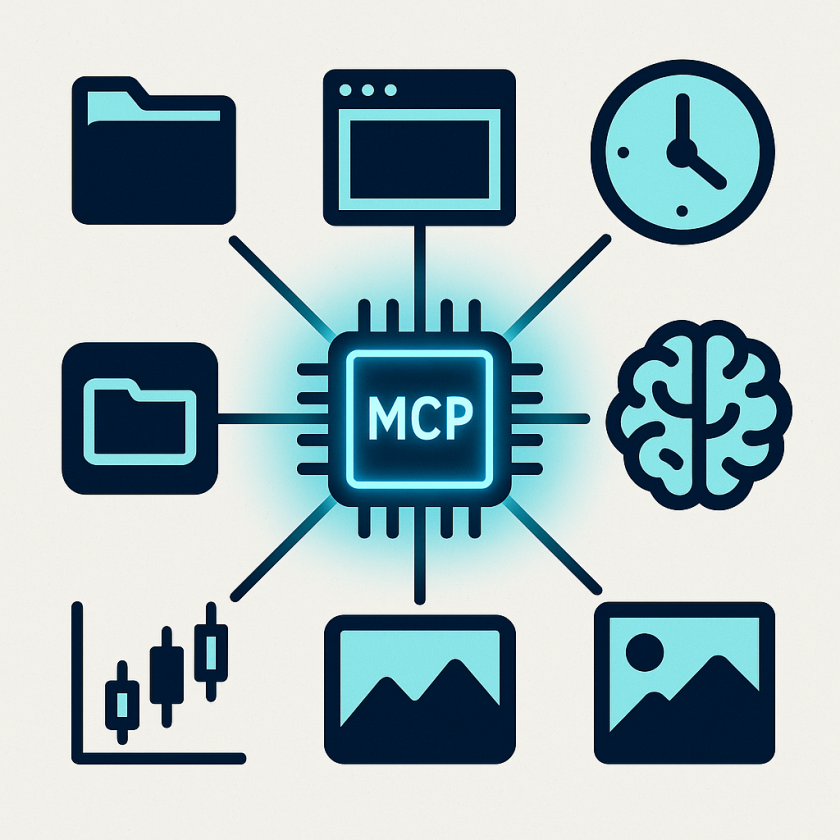
Generated with the live SindByte server to make the audited runtime surface easier to scan at a glance.
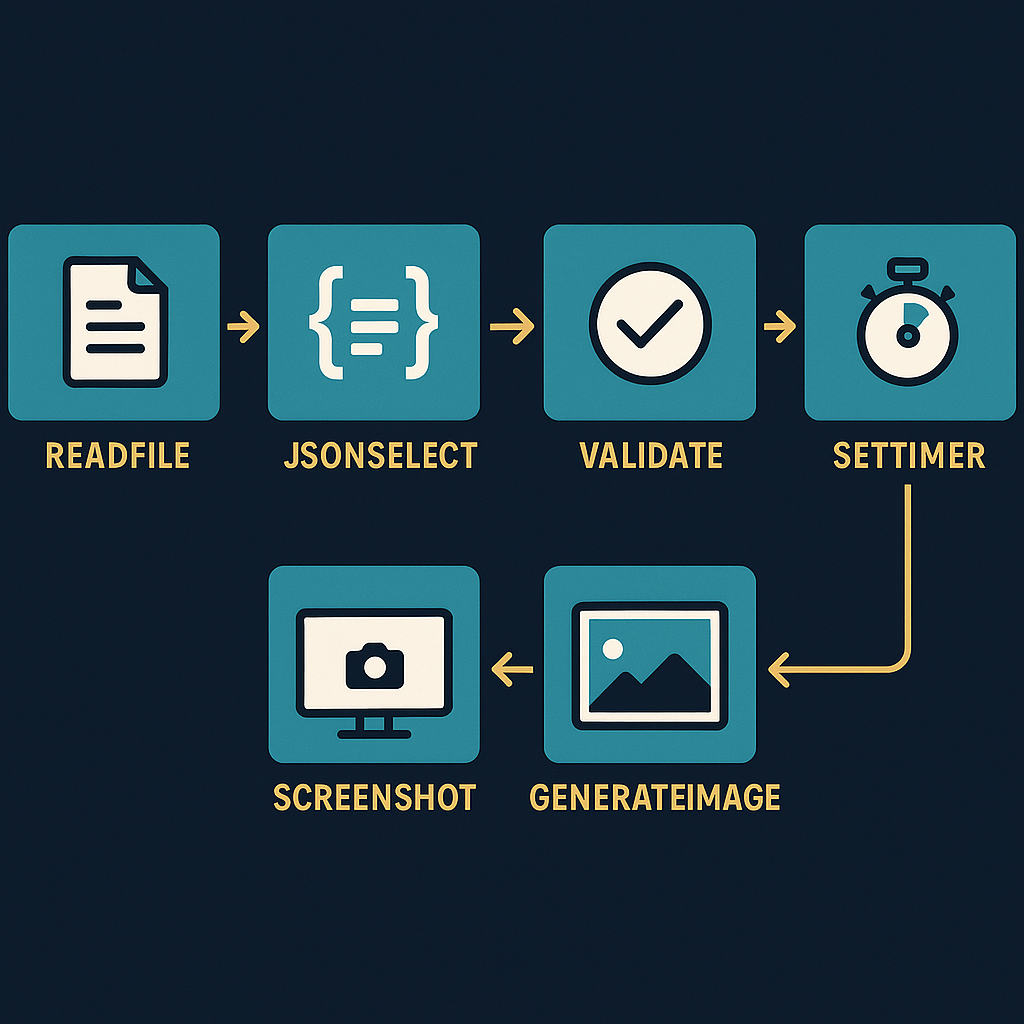
A second generated visual that shows how per-tool workflows often move from file intake to structure, validation, scheduling, and visual output.
Per-Tool Quick Reference
Use this grid when you already know the family and need the right tool fast. In short registration, the same target names are called through ToolCatalog.CallTool.
FileTools::ReadFile
Load local text or source files into an agent flow.
Best when you need a file body before summarizing, patching, or extracting data.
DataTools::JsonSelect
Pull one path or sub-tree out of a larger JSON document.
Best when API output is too large and only a few keys matter to the next step.
CUTools::Screenshot
Capture a live desktop, window, or workflow state for proof and troubleshooting.
Best when documentation needs the actual UI, not a paraphrase.
CUTools::GenerateImage
Create an explanatory visual, hero asset, or diagram from a prompt.
Best when one picture communicates a feature faster than text alone.
CUTools::PictureResize
Adapt screenshots and generated images to website-friendly sizes.
Best when the original capture is correct but too large for a page layout.
IQTools::Validate
Run an answer through a structured validation pass before publishing it.
Best when you want a second pass for factual, logical, or code quality checks.
TimerTools::SetTimer
Store a prompt-driven schedule for once, interval, daily, or weekly runs.
Best when a good prompt should become an operating routine instead of a manual repeat task.
SystemTools::RunPowerShell
Execute Windows-side automation or inspection tasks from the MCP layer.
Best when the workflow needs controlled system introspection beyond file access alone.
Documented Tool Names by Family
The lists below show documented tool names. Credential-bound and build-specific families can remain invisible at runtime until profile and registration match the deployment.
FileTools
ReadFile, WriteFile, AppendToFile, Delete, Move, Copy, Zip, Unzip, GetDirectoryListing, List, GetInfo, GetLines, FindText, CreateDirectory, SearchInFiles, FileExists
DataTools
CsvToJson, JsonToCsv, JsonSelect, TableToJson, FindText, Replace, RegexSearch, RegexReplace, Split, Join, GetLines, SortList, ParseKeyValue, GetInfo, LoopStart, LoopStep, Chunk, Echo, NormalizeNewlines, NormalizeWhitespace
MemoryTools
Store, Recall, Delete, ListKeys, Format, FromFile, ToFile, FromClipboard, ToClipboard, GetLines, JSON_Escape, JSON_Unescape
MathTools
ResolveFormula, LoopStart, LoopStep, LoopCalc, MonteCarlo, Optimizer, RootFinder, Integrate, SmartSequence, BigIntCalc, BinaryCalc
IQTools
ChainOfThought, MultiVote, SelfCritique, CrossResolve, Debate, Ensemble, Validate, BetterPrompt, GetResult, SelectModel, GetModel, TreeOfThought, MetaReason, Socratic, ExpertPanel, RedTeam, Hybrid, Iterate
TimerTools
SetTimer, GetTimer, ListTimers, FindTimer, UpdateTimer, ClearTimer, TestPrompt
CUTools
Screenshot, MouseClick, SimKeyPress, ListWindows, GetWindowState, SetWindowState, LocateAppWindow, LocateChildWindow, LocateGUIElement, SetPosAndSize, PictureResize, PictureConvert, PictureCrop, GenerateImage, PictureEdit, AnalyzeScreenshot, LMStudioText
SystemTools
ListProcesses, ListServices, GetServiceDetails, StartService, StopService, RestartService, ExecuteCommand, RunPowerShell, RunBatchFile, GetCommandResult, ConfirmOperation, ListRegistrySubKeys, ListRegistryValues, CreateRegistryKey, DeleteRegistryKey, WriteRegistryValue, DeleteRegistryValue, GetEnvironmentVariable, GetInstallPath, IdentifyConhostParent, IdentifySvchostService
WebTools
FetchText, FetchHeaders, FetchMany, ExtractText, Search
ClipboardTools
Read, Write, Clear, GetFormats
TaskTools
CreateTask, UpdateTask, ListTasks, GetTask, DeleteTask
TextTools
ApplyDiff, ApplyUnifiedDiff
Dialog-LAB
Multi-Model Chat, Thinking Extraction, Text-to-Speech, Voice Input, Conversation Logging, Round Management
Trading Hub
Kraken, Binance, Coinbase, OKX, KuCoin, Bitget, ByBit, Bitpanda, Alpaca, IG, Interactive Brokers, Polygon
Core
apply_diff_edit, spr_server_assistant
Office
Excel, Word, PowerPoint, Outlook, Publisher automation
CloudTools
GenerateImage, PictureEdit, TextToSpeech, Kraken, Binance
GMail
ListMessages, Search, GetMessage, SendMessage, Labels
M365
Microsoft 365 mailbox, calendar, contacts integration
Teams
Microsoft Teams chats, channels, meetings, contacts
TradingIQ
MultiVote, Consensus, Scanner, Learning
TradingAI
DecisionMenu - AI Trading Decision Workflow
Next Surfaces
- Tool stories for concrete user outcomes.
- Connection guide for LM Studio, Roo Code, Codex, and related hosts.
- LMChat detail page for the lighter chat surface, IQ helper flow, and Dialog-LAB handoff pattern.
- Online manual for setup, providers, and production notes.
- FAQ for short versus full registration, Config Editor behavior, and image-route troubleshooting.