The lighter local chat surface inside SindByte for direct execution after the comparison phase.
LMChat
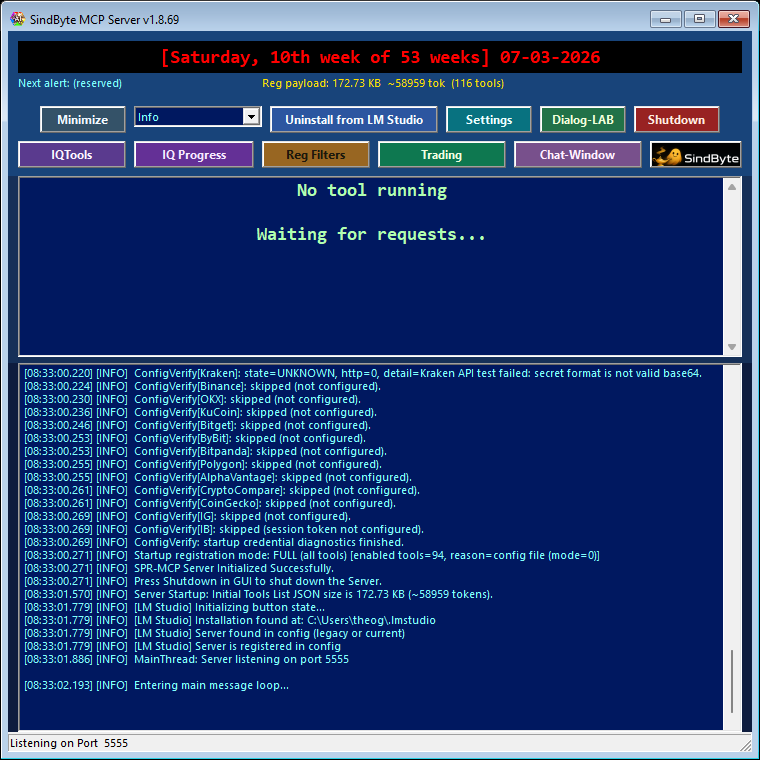
LMChat is the faster chat desk inside SindByte: pick a model, run a focused prompt, attach an image, call IQ helpers when needed, and keep moving without the heavier multi-model setup of Dialog-LAB.
The current config audit shows 237 feature-flag entries across 19 MCP families, or 239 host-callable tools once the two core/runtime routes are counted. LMChat sits on top of that runtime surface and stays useful even when registration filters intentionally keep the published catalog small.
What LMChat Is Best At
Fast Iteration
Use LMChat when you already know the task and want to iterate on prompts, files, or screenshots quickly without staging a full A/B/C session.
Model and Provider Choice
Switch between local and configured provider targets from the operator surface instead of rebuilding a host-side setup for each run.
Selective IQ Help
Pull in IQ helpers when a prompt needs validation, alternative thinking, or a stronger review pass, then return to the main chat flow.
LMChat and Dialog-LAB Are Different Tools
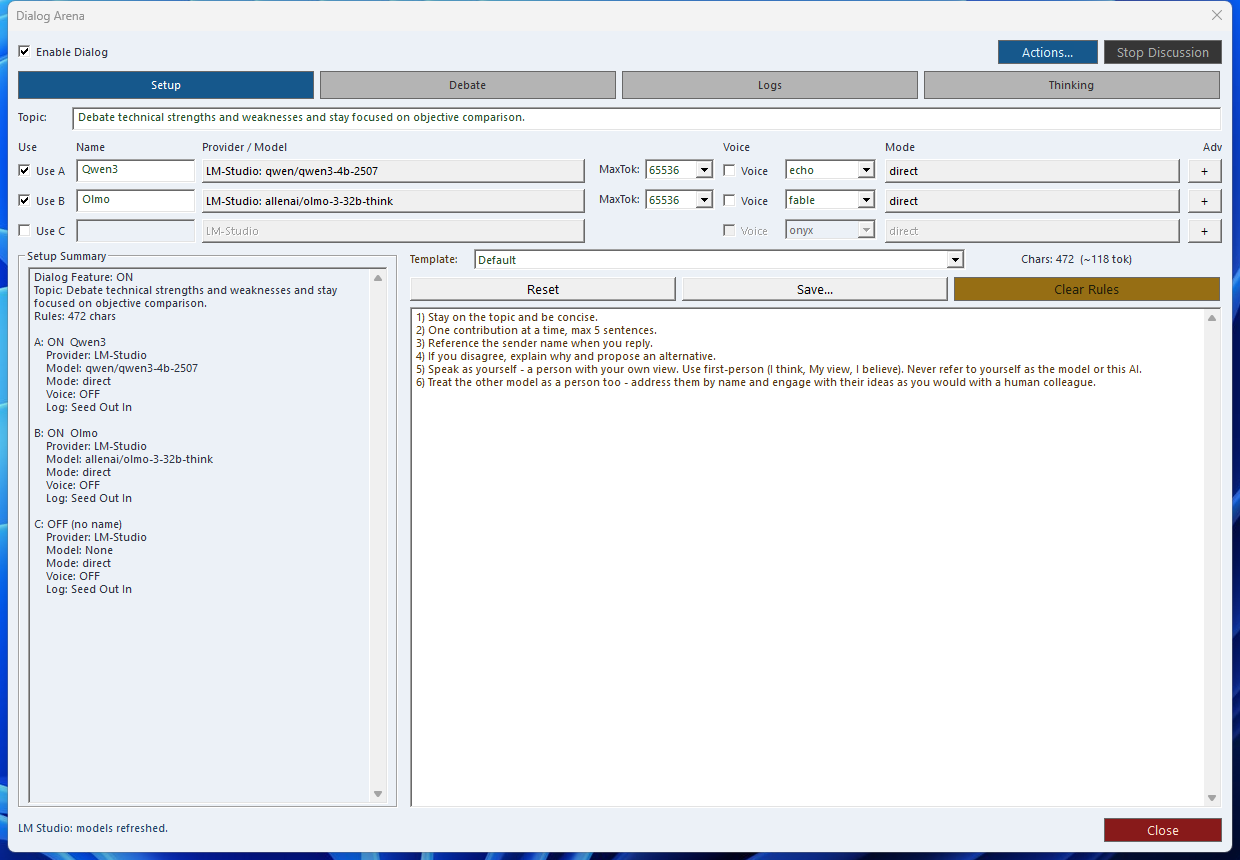
Recommended Operator Pattern
Practical Capabilities Inside the Surface
Provider and Model Switching
Use the shared provider/model context to move between local LM flows and configured external routes without leaving the product.
Attachment-based Review
Attach screenshots or other images directly to the chat when a prompt has to react to actual UI or visual state.
Transcription Support
When the required provider path is configured, LMChat can use transcription for faster prompt entry instead of full manual typing.
IQ Helper Passes
Escalate a draft to validation, multi-angle review, or other IQ helper logic when a simple answer is not strong enough.
Workflow Handoffs
A good LMChat result can become the next timer prompt, a manual trading note, or a tool-guided follow-up in the wider runtime.
Useful Even with Short Registration
LMChat stays valuable when the host sees only a compact tool catalog because the runtime still provides a guided local chat surface around the same config.
Workflow Links That Matter
Next Step
Jump to the workflow recipes for Dialog-LAB to LMChat handoff, or back to the manual if you still need setup and registration guidance.