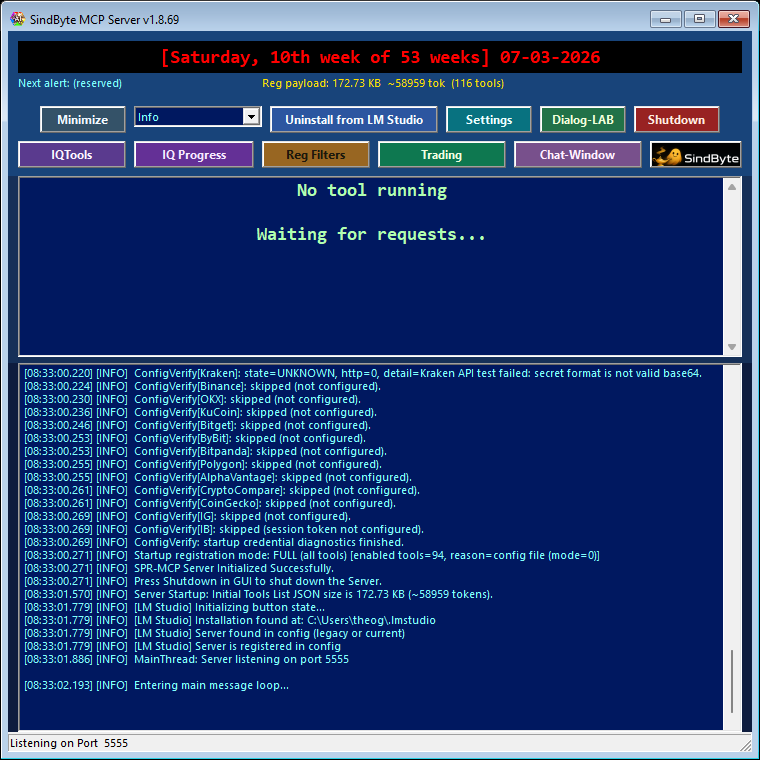
AI Models for Download
Download PowerBASIC- and SPR-focused GGUF models for local runtimes. Compare quantizations and choose the file that fits your RAM, VRAM, and quality target.
Browse Models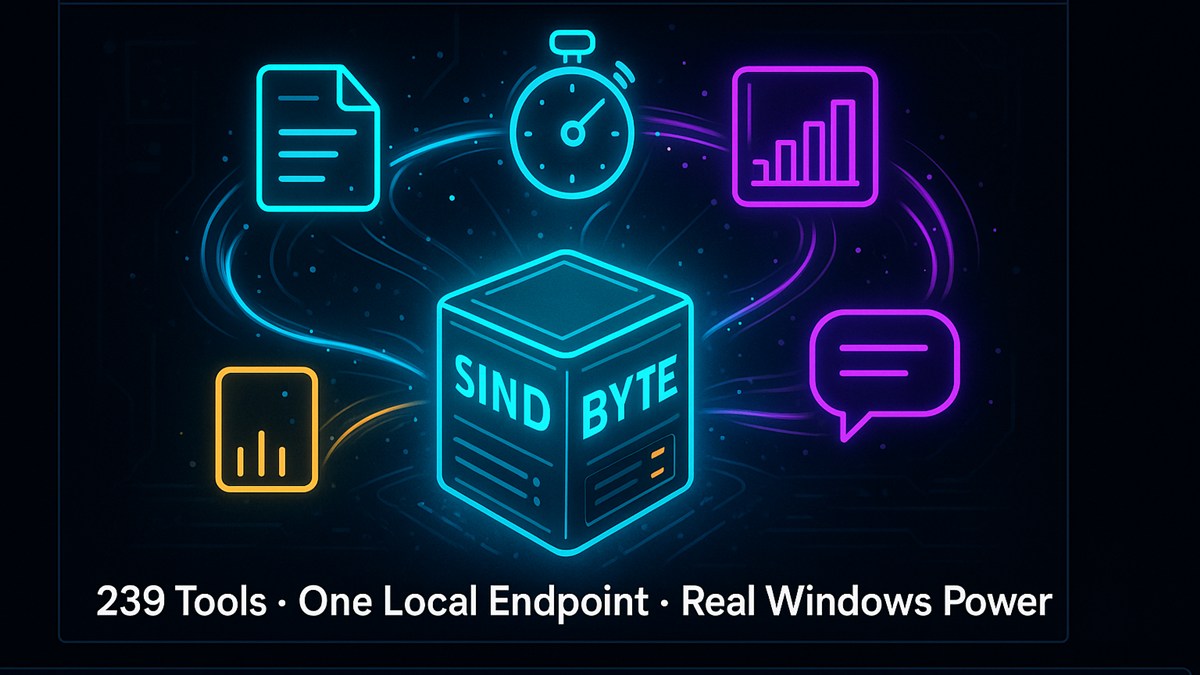
Local AI hosts can reason deeply. SindByte enables them to act under control through a local MCP endpoint, real operator interfaces, and a runtime whose visible catalog is deliberately configurable.
Free for private use. For business or commercial use, the right path is the Smart Package Robot license.


PBXB64 V18 is the signed primary download with ten language frontends, native Windows x64 output, expanded PowerBASIC, COBOL, FORTH, runtime and StringX capabilities, bilingual help, and 400 tested examples. ScharffBasic V1 Beta adds a mostly PowerBASIC-compatible 32-bit alternative; PBXC64, PBXA, and CompilerX remain the additional development and preview lines.
Open Compiler Workshop
SindByte MCP Server is the local runtime. WorkJinn handles project execution. PlanJinn V2 completes the system as an available planning workspace for goals, stages, artifacts, and reviews.
MCP Server WorkJinn Download PlanJinn V2
Practical support for businesses: AI revenue audits, automation sprints, team training, an AI freelancer/instructor, and custom development for real-world processes.
Explore Services AI Revenue Audit AI InstructorThese additional offers complement our three main areas. They have their own collections, so new models and several games can be added without making the home page crowded.
Download PowerBASIC- and SPR-focused GGUF models for local runtimes. Compare quantizations and choose the file that fits your RAM, VRAM, and quality target.
Browse Models
A growing collection of games that run directly in the browser. Each title will receive its own launch card, description, controls, and version information.
Open Game Collection
Compiler Workshop, AI Workshop, and Services share the same local-first philosophy: native Windows tools under operator control.
Private users download SindByte directly. Business rollouts, teams, and commercial use follow the Smart Package Robot licensing path.
The visible MCP catalog can start small and grow later. Registration, category filters, and credentials provide deliberate control.
The default is 127.0.0.1:5555. Cloud, Office, and trading routes remain optional and become relevant only with real credentials.
LM Studio, Roo Code, Codex workflows, and VS Code add-ons can use the same runtime without tying the product to a single chat interface.
An MCP-capable client sends requests to the local endpoint. The product remains host-agnostic.
The default endpoint is http://127.0.0.1:5555/mcp. This keeps the runtime local and technically transparent.
Short or Full registration, plus category filters and feature flags. As a result, not every host sees the same set of tools.
Files, windows, timers, image workflows, and credential-dependent families come together in a controlled Windows runtime.
cd "<extracted-folder>"
.\SindByte 01.exe
The local client endpoint is then http://127.0.0.1:5555/mcp.
"mcpServers": {
  "sindbyte": {
    "type": "streamable-http",
    "url": "http://127.0.0.1:5555/mcp"
  }
}
ToolCatalog.ListCategories
ToolCatalog.ListTools
spr_server_assistant
This lets you inspect the currently published runtime first instead of assuming the entire default configuration is exposed.
Ideal when local inference and local tool execution should run on the same PC without external dependencies for core automation.
Suitable for repository work, file changes, data cleanup, screenshots, and bounded system actions with ask-first protection.
Internal tools can use the same streamable HTTP endpoint and limit the visible catalog through the runtime configuration.
A compact ToolCatalog entry point suits hosts that should not load hundreds of direct tool schemas at once.
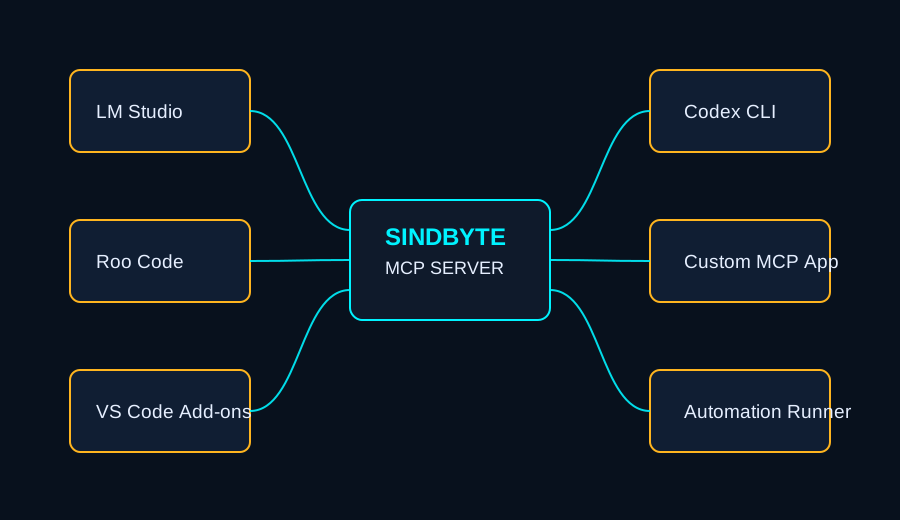
The runtime remains MCP-centered rather than tied to a single chat client. This helps with adoption, testing, and internal standardization.
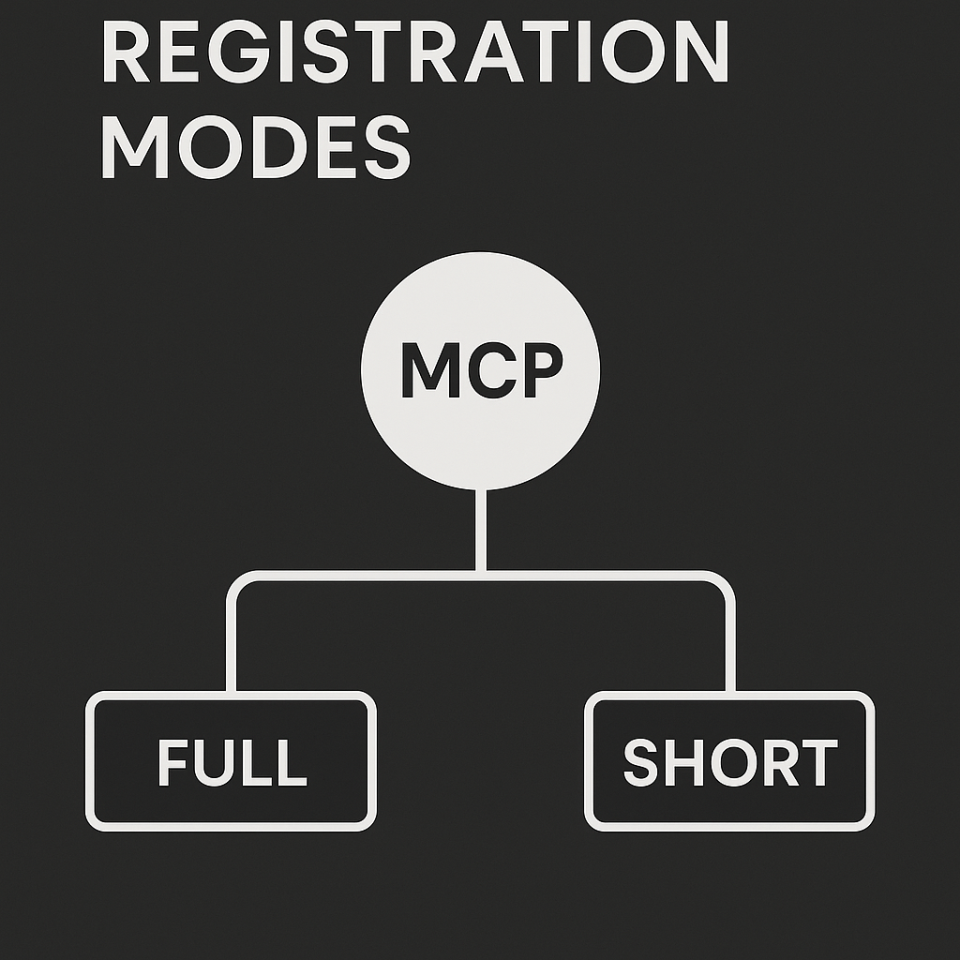
The diagram shows the difference between broad direct publication and a more compact ToolCatalog-oriented approach.

The runtime includes server shell, configuration, chat, and timer surfaces. That is what makes SindByte tangible as a product.
Starts the local endpoint, displays status and logs, and provides the operational entry point to the product surfaces.
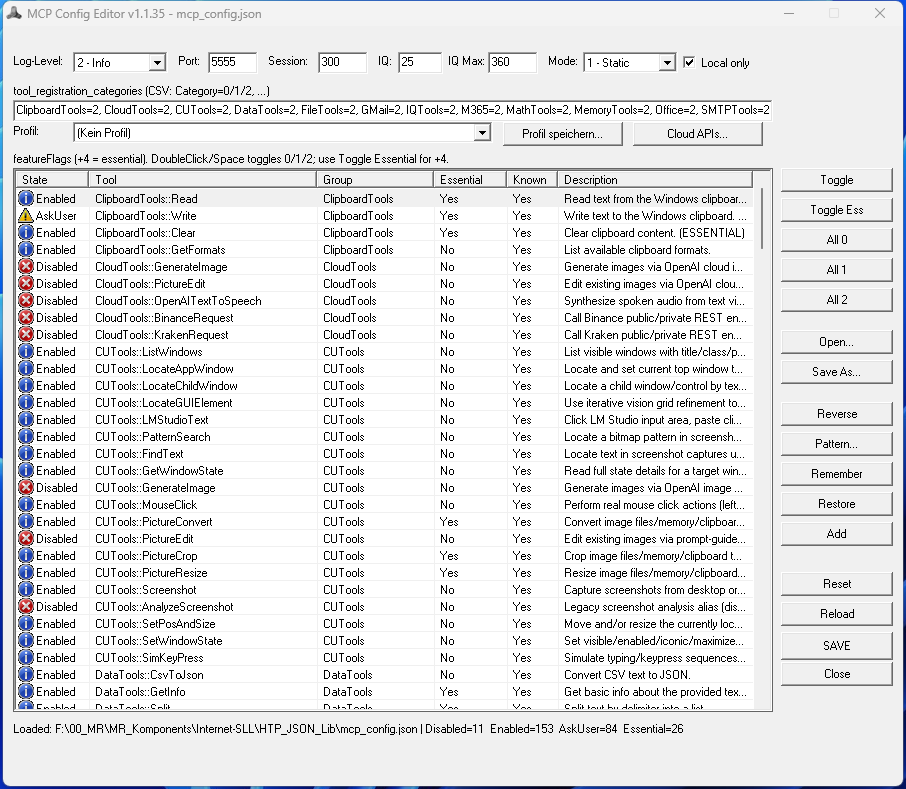
Controls the port, local-only behavior, registration, categories, feature flags, provider access, timeouts, and logging.
Schedules recurring tasks and connects them with the runtime's reasoning and execution helpers.
Inspect files, organize content, and perform bounded changes directly on the Windows workstation.
Windows, screenshots, and controlled interaction flows with ask-first rules instead of uncontrolled remote operation.
Timers connect recurring reviews, observations, and local execution through traceable workflows.
Cloud images, trading, and other services become active only when real credentials and the appropriate categories are enabled.
The technical anchor for local startup, status, and the MCP endpoint.
This is where runtime policy determines which families and credentials actually apply.
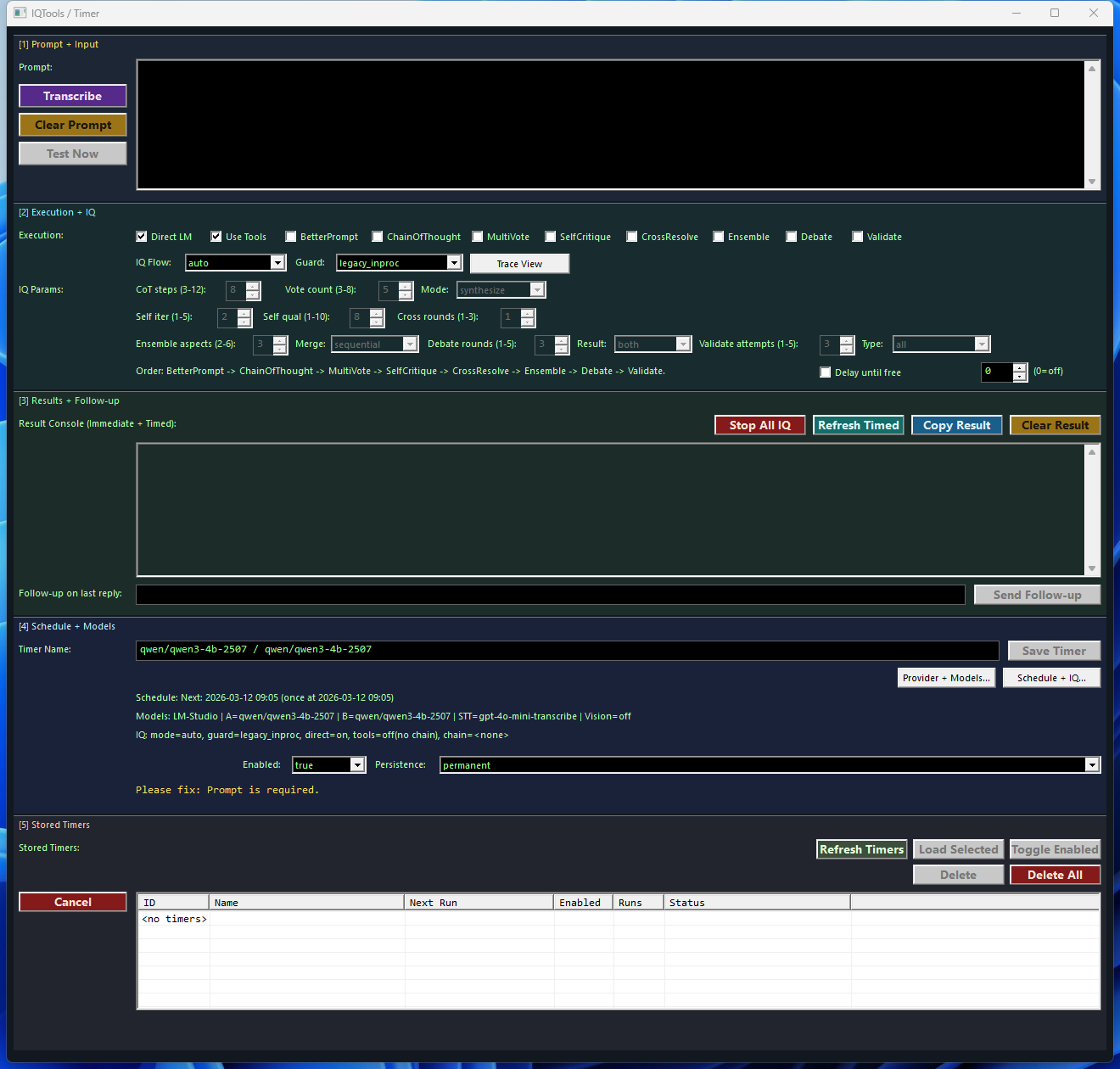
Recurring executions show that SindByte is built for ongoing workflows, not just one-off prompts.
Default ist 127.0.0.1:5555. This makes the local host a clear, testable setup characteristic.
Short and Full determine whether many routes are published directly or through a more compact ToolCatalog approach.
The visible catalog intentionally varies according to category filters, security flags, and configured credentials.
Config, Dialog-LAB, LMChat, Timer, and Trading are real product screens, not retrospective concept graphics.
Private users start with the download. Business customers continue through Smart Package Robot for properly licensed production use.
Download free for private use Business License MCP Architecture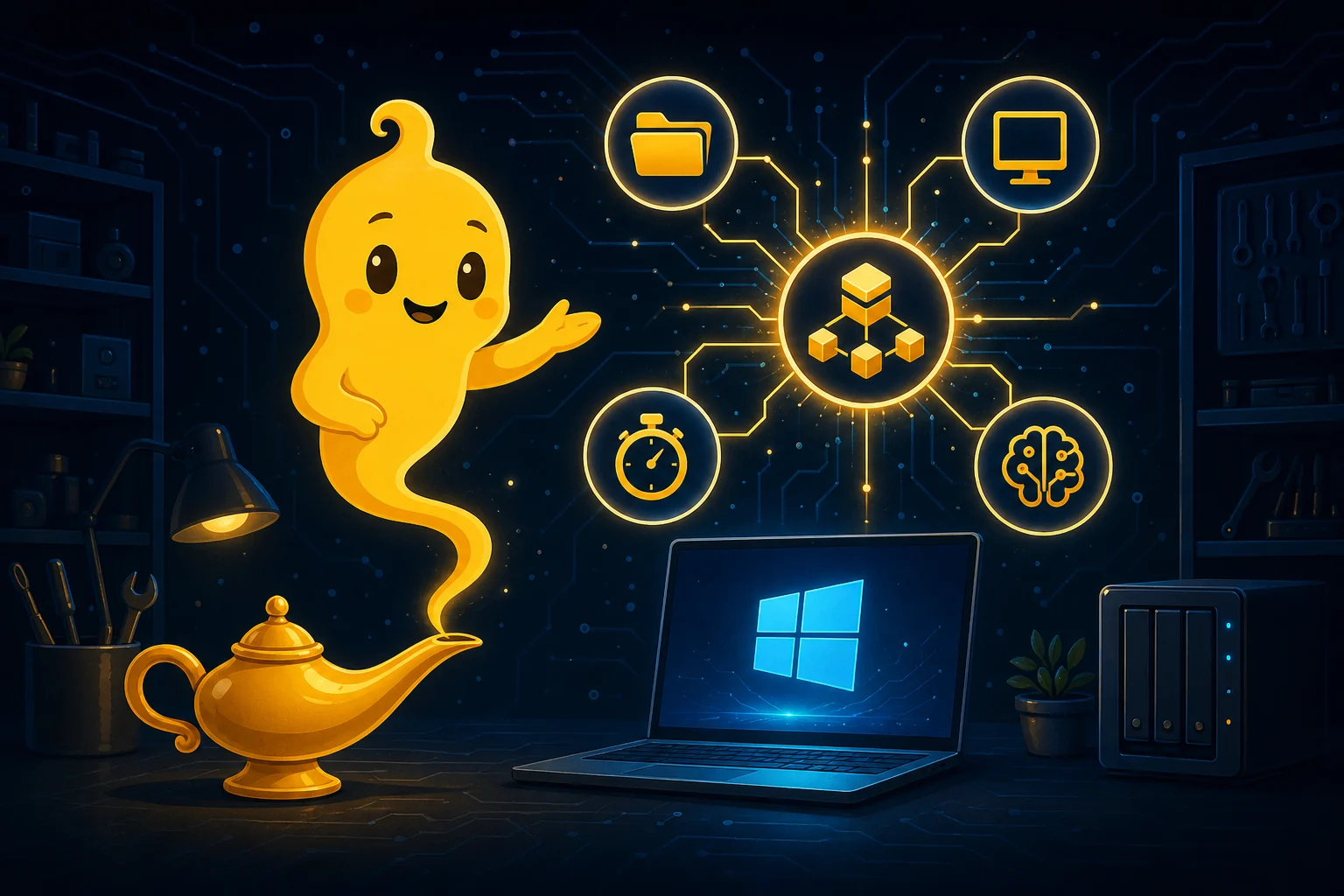
Runtime, hosts, safety controls, and current release information.
MCP details · Features · Tool libraryWorkJinn, PlanJinn, and the local AI workspaces.
Open workshop · WorkJinn · PlanJinn
Compilers, releases, help files, and technical details.
Open overview · PBXB64 · ScharffBasic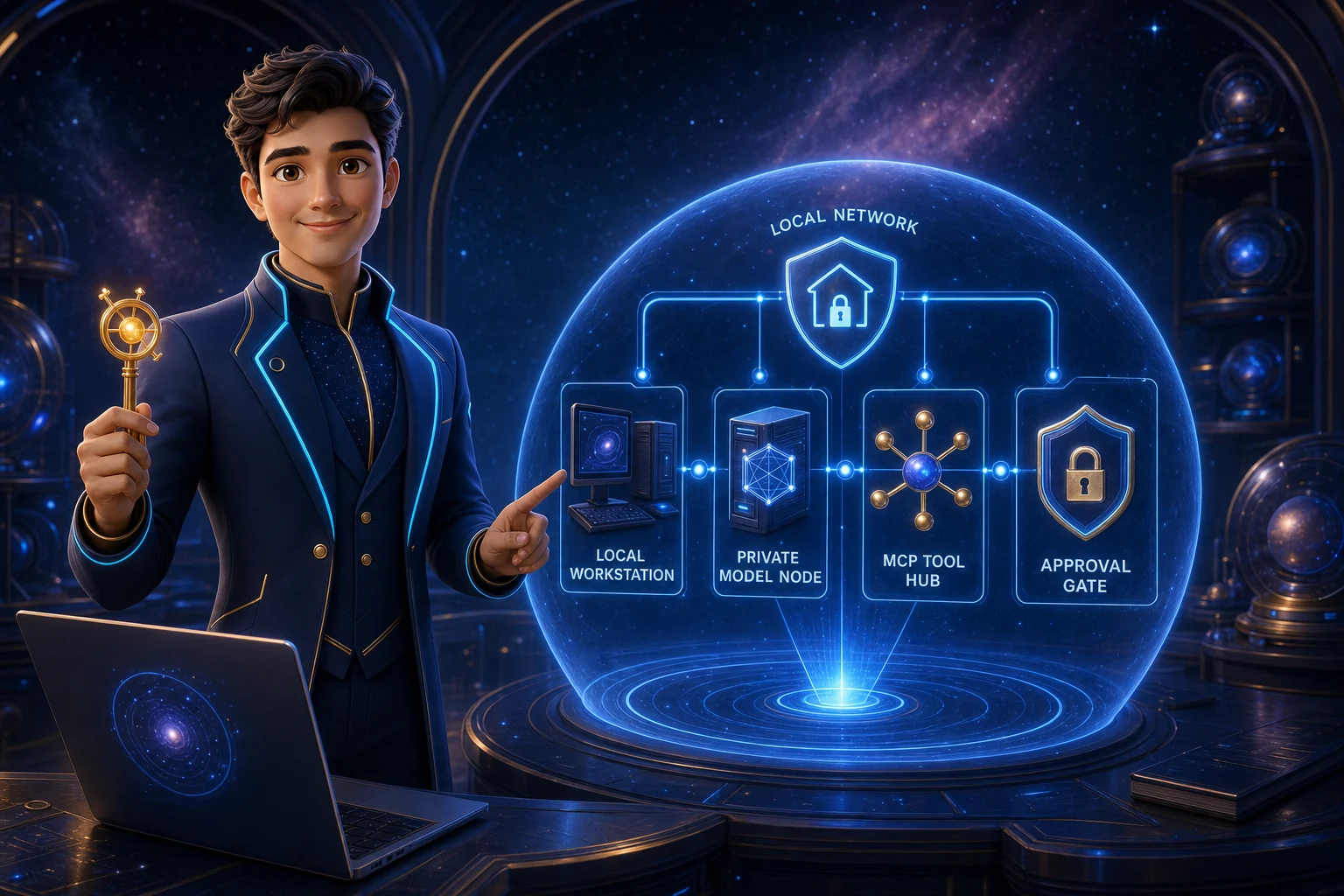
Consulting, local AI, automation, and custom development.
View servicesLocal GGUF models for PowerBASIC, SPR, and compatible runtimes.
Browse modelsBrowser games with their own launch pages and a growing collection.
Open game collection
Questions about products, licensing, and individual use cases.
Send email
Answers about downloads, operation, licensing, and technical details.
Open FAQ