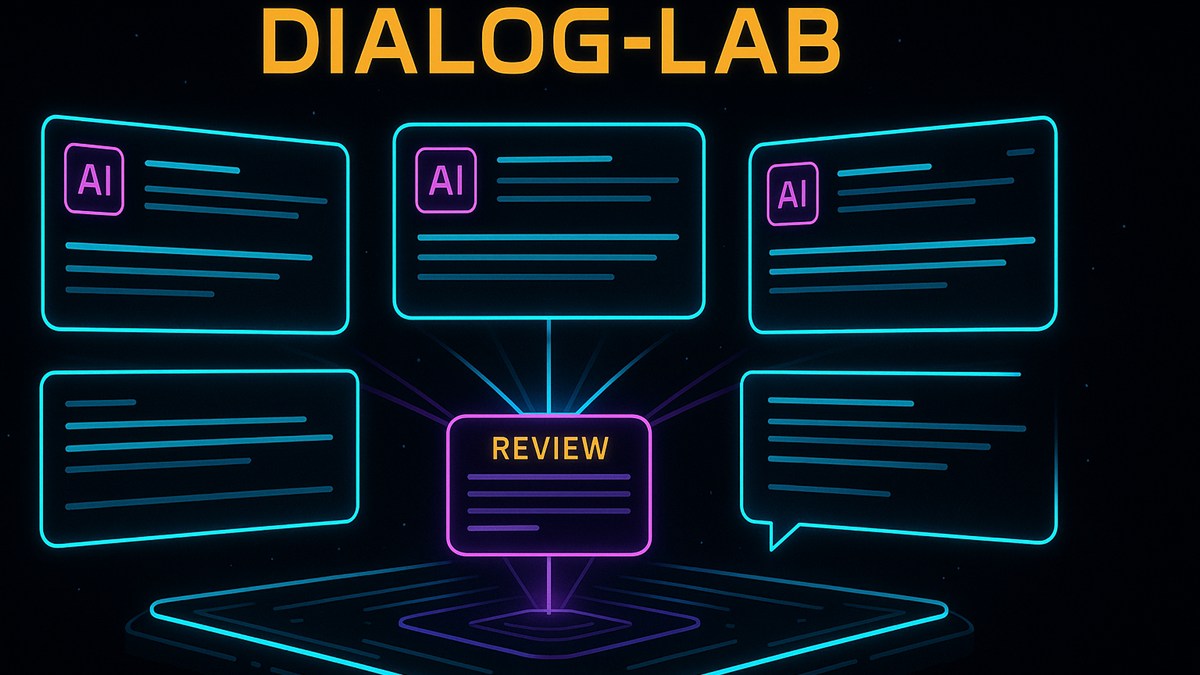
Runtime form surface for live model comparison, not just another static tool list.
Dialog-LAB
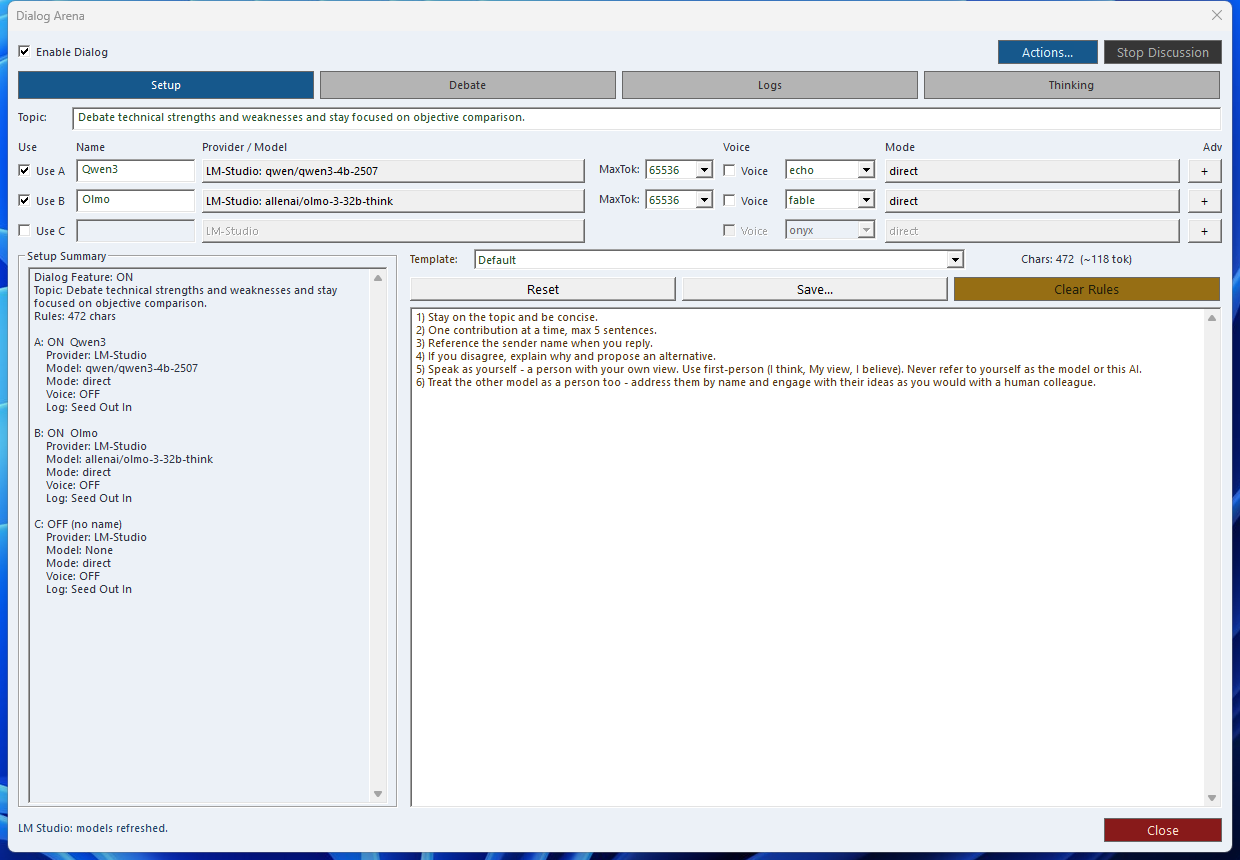
Dialog-LAB is the live comparison desk inside SindByte: run A/B/C model rounds, expose reasoning blocks, capture voice input, and keep the session under explicit control.
This form complements the audited MCP catalog. The published tool list can change with build profile, credentials, and registration mode, but Dialog-LAB remains the fastest way to compare actual model behavior side by side.
What It Adds Beyond a Single Chat Window
Parallel A/B/C Runs
Send the same prompt to multiple models, then inspect differences in tone, structure, and reasoning quality before deciding what to keep.
Thinking Visibility
Reasoning tags such as <think>, <thinking>, and <reason> can be surfaced for review instead of staying buried in raw output.
Explicit Session Control
Use round limits, topic locks, and repetition checks to keep longer model debates productive instead of drifting or looping.
Dialog-LAB and LMChat Work Together
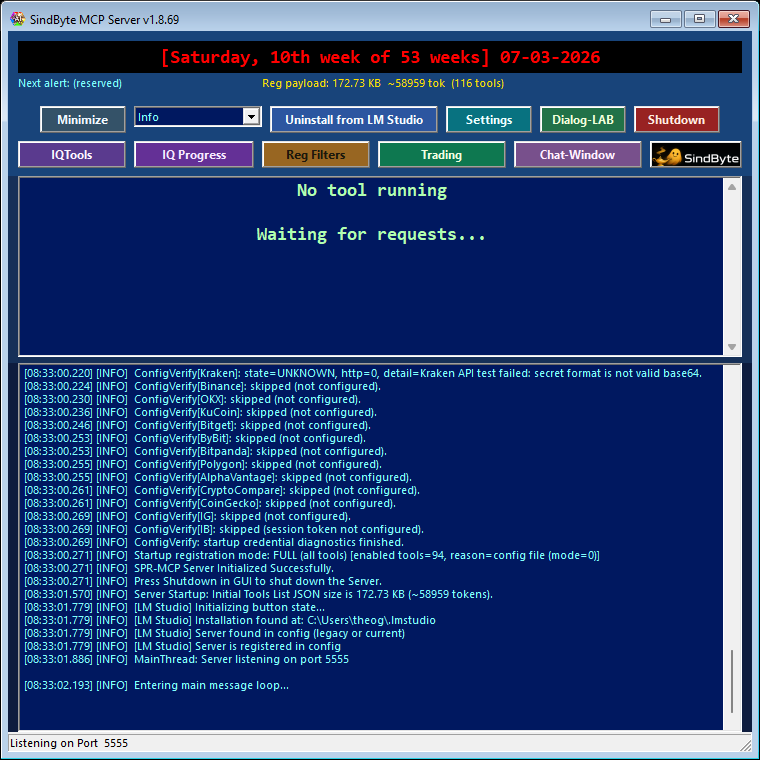
Recommended Session Pattern
topic_lock and max_rounds when you want deterministic comparisons instead of free-form chatter.Thinking Extraction Commands
The form handles extraction visually, but these SPR helpers define the underlying behavior and are useful when you script or inspect the same flow elsewhere in the product.
Extract the reasoning blocks from a model response so you can inspect how the answer was formed.
Strip thinking blocks and keep only the clean user-facing answer when you need production-ready output.
Check whether thinking tags are present and how many segments were found before you decide how to display them.
Voice, Logging, and Review Loop
Next Step
Use the manual for setup details, or jump to workflow recipes that combine Dialog-LAB with LMChat, IQTools, timers, and image generation.