
Image workflows are runtime-gated like the rest of the platform: provider keys, build profile, and registration mode decide what the client can actually call.
Images for Web Projects Directly from MCP
SindByte can generate and refine web assets from the same local automation surface that handles files, text, and deployment steps. The image path is especially useful when you want an agent to create a full page package instead of stopping at raw copy.
CUTools::GenerateImage.CUTools::PictureResize.PictureConvert or the optional PictureEdit route when you need alternate formats or a second stylistic pass.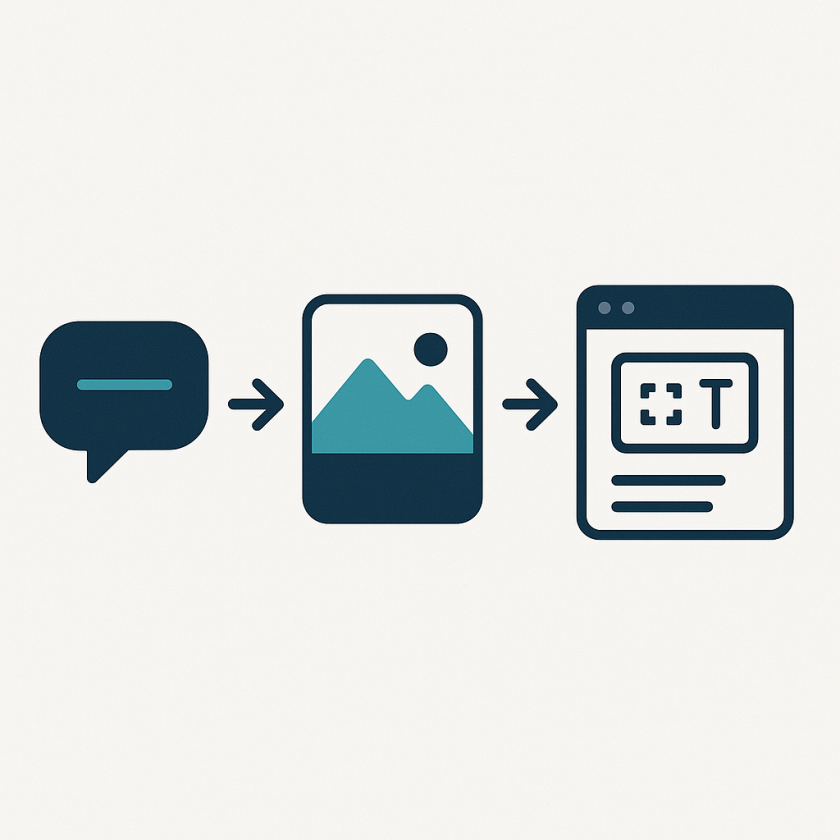
Enable the Image Surface
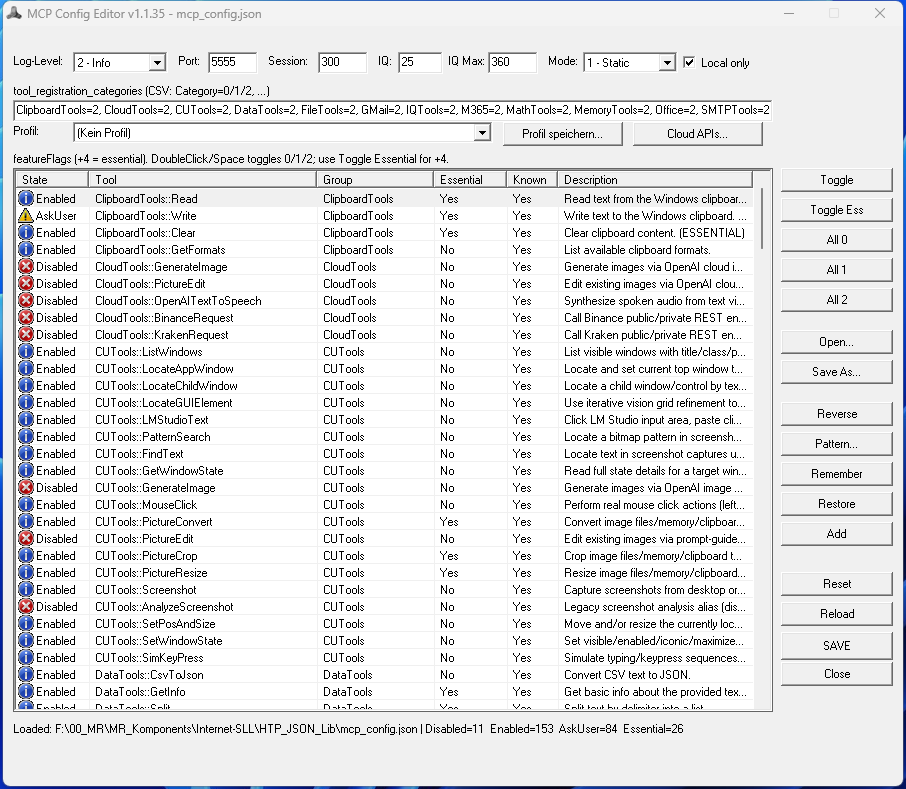
Minimum Configuration
OpenAIImageToolEnabled=true.OpenAIImageModel such as gpt-image-1.Example Pipeline
1) GenerateImage(prompt="clean MCP capability map", target="file", target_file="assets/img/feature-map-generated.png")
2) PictureResize(source="file", source_file="assets/img/feature-map-generated.png", target="file", target_file="assets/img/feature-map-generated-web.png", width=840, height=840)
3) PictureConvert(source="file", source_file="assets/img/feature-map-generated-web.png", target="file", target_file="assets/img/feature-map-generated-web.jpg", format="jpg")
4) Integrate the generated asset into HTML/CSS and continue with normal site edits
Target Modes You Can Use
`file`
Write the asset directly into the site or build workspace when the next step is HTML/CSS integration.
`memory`
Keep generated output inside the workflow state when you want an agent to compare variants before writing anything to disk.
`clipboard`
Move assets quickly into another desktop tool or design step without saving intermediate files.
`both`
Use when you want a durable file plus a transient workflow copy at the same time.
Generated sample: Capability Map
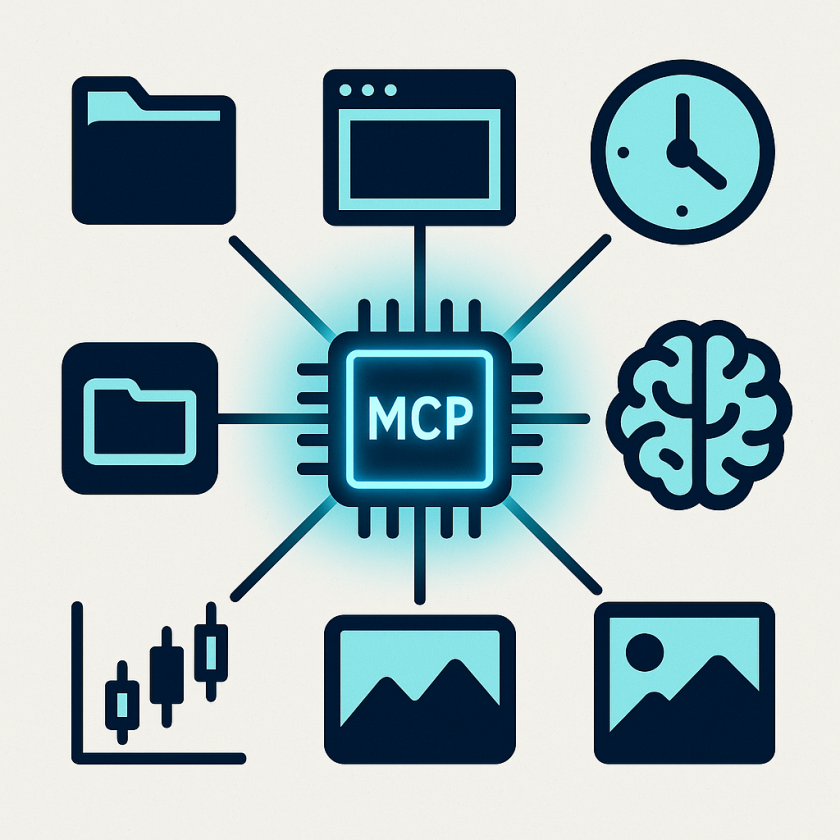
Generated sample: Runtime Surface Map

Generated sample: Asset Pipeline
CUTools::GenerateImage and CUTools::PictureResize, then placed back into the website during the same local documentation workflow.
Continue with the Full Workflow
Combine image generation with file writes, HTML edits, and deployment steps through the rest of the SindByte stack.