
SindByte MCP Server
Connect local AI to real Windows work: manage files, operate applications, run timers and call controlled tools directly from LM Studio, Roo Code or another MCP host.
Your advantage: one local endpoint brings the tools together while approvals, filters and credentials determine exactly what each host may use.
Release 9.1.53: the current package supports IPv6 and IPv4 for SFTP, tries alternative server addresses within a shared connection deadline, and closes failed connection sockets cleanly. This helps when a hosting provider is reachable over IPv6 but its IPv4 endpoint times out.
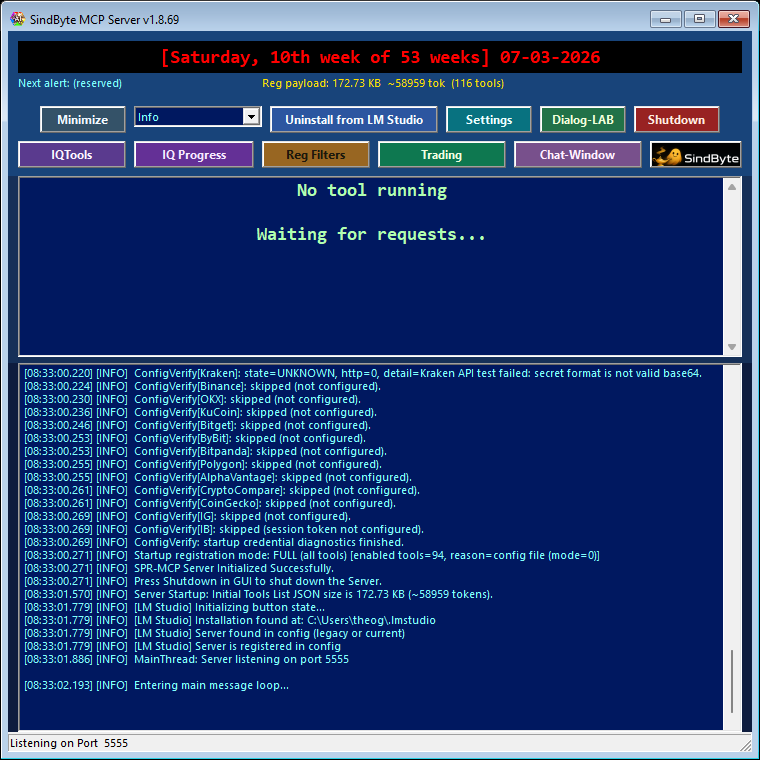
http://127.0.0.1:5555/mcp by default. The Config Editor manages the port, approvals and published tool groups in one place.

Live Runtime Surfaces
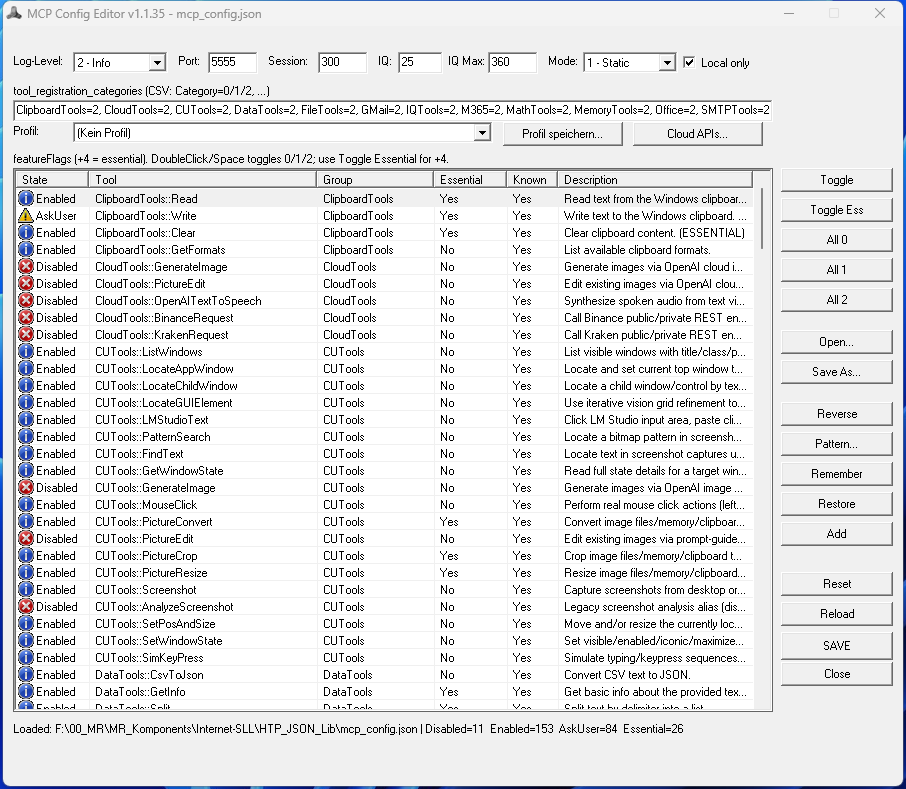
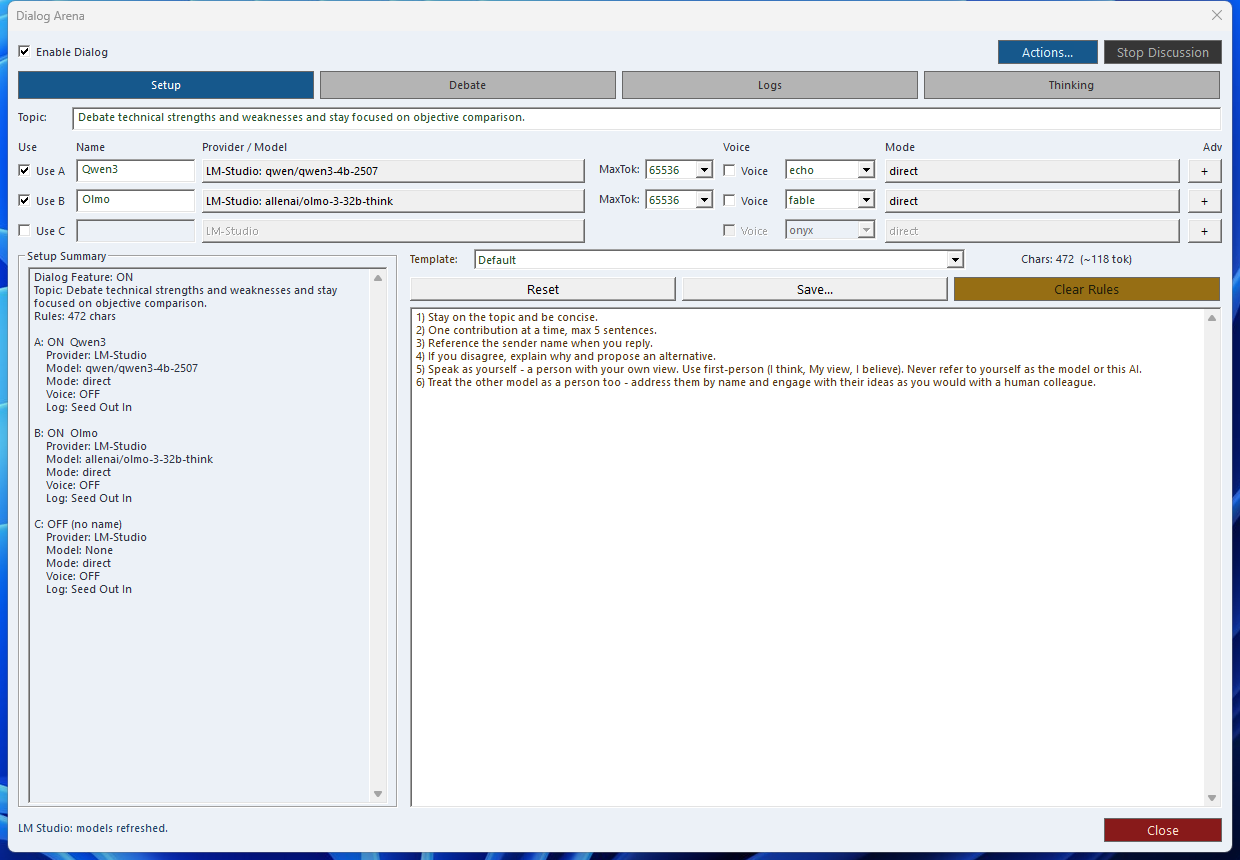
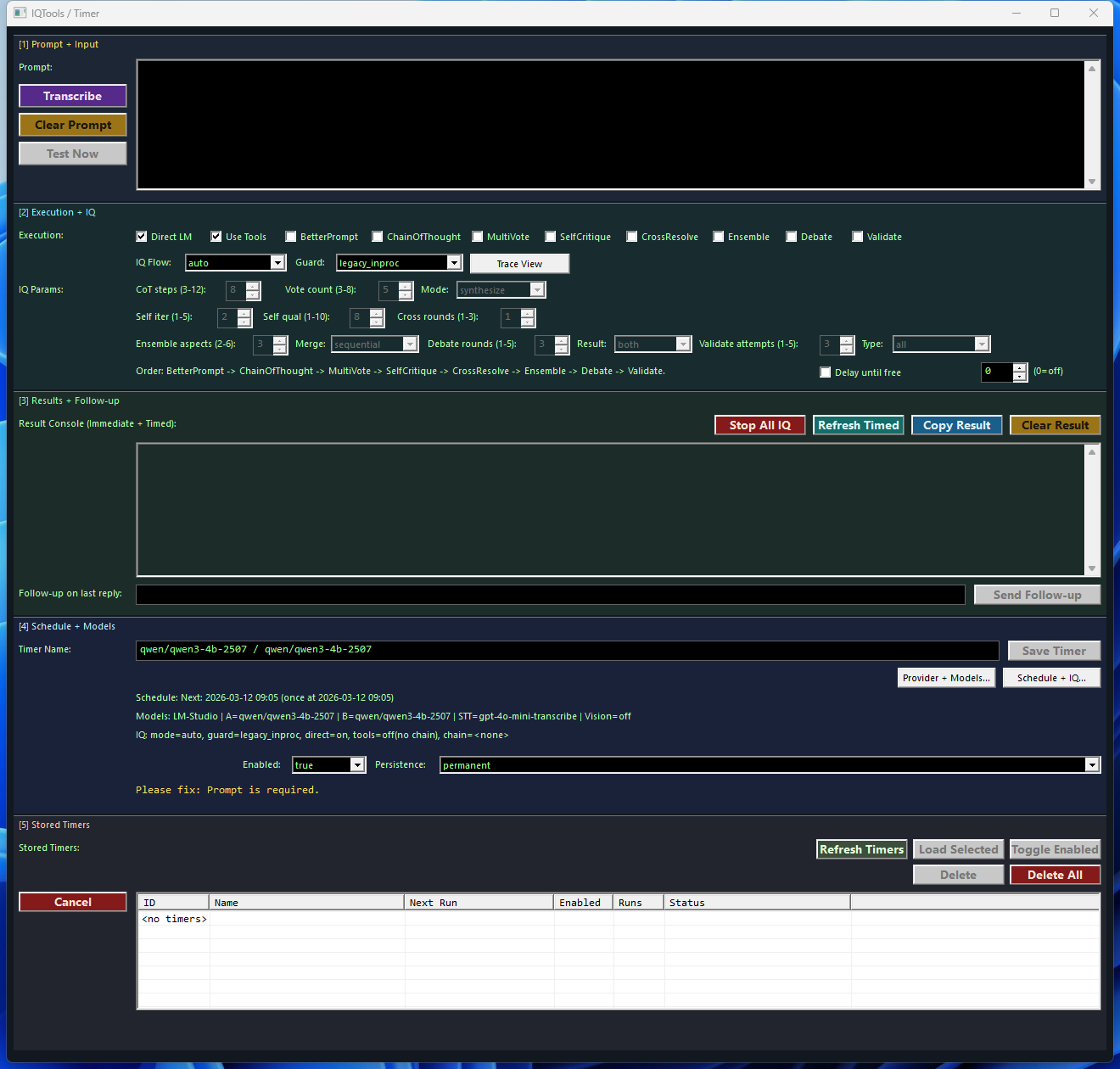
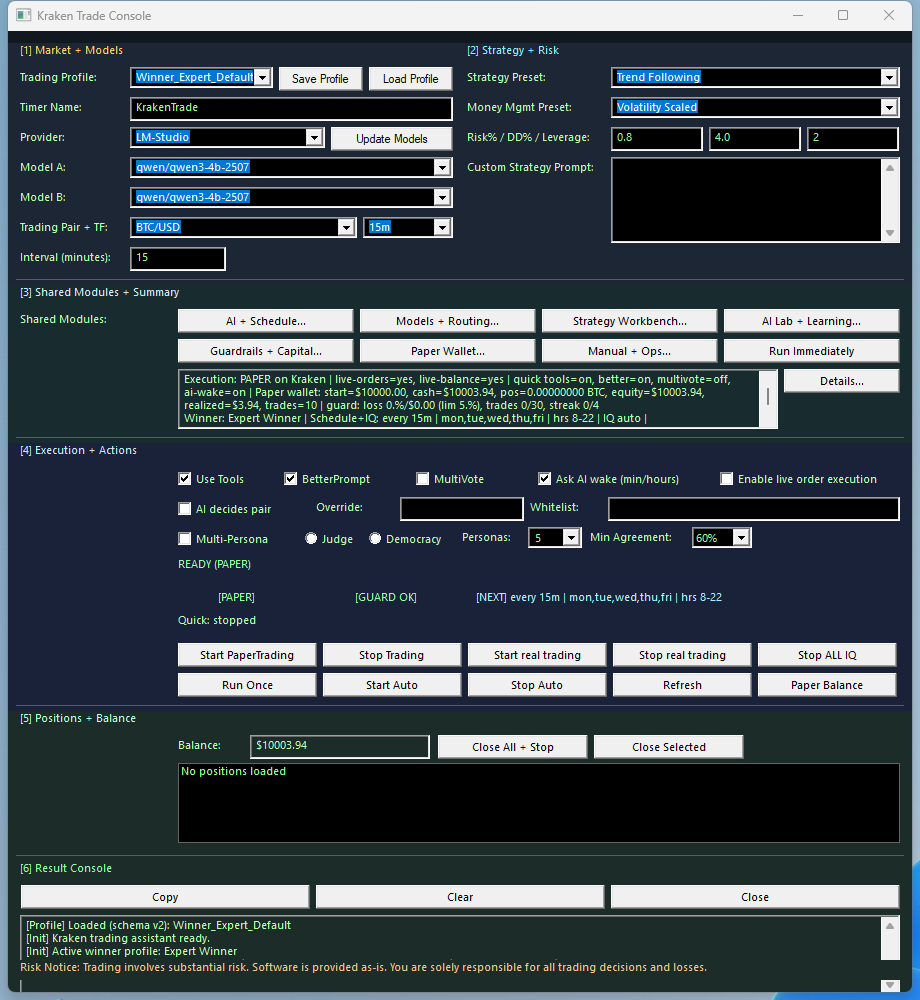
See the product before you install it. These images come from the running Windows application and show server status, configuration and the supporting work surfaces.
Runtime Architecture
1. Host
LM Studio, Roo Code, Cline-style agents, VS Code MCP add-ons, or custom clients open the MCP session.
2. Endpoint
SindByte exposes streamable HTTP JSON-RPC at /mcp on port 5555 by default.
3. Publication Layer
Feature flags, category filters, credentials, and registration mode decide what the host sees.
4. Execution Layer
Files, windows, timers, reasoning helpers, images, and credential-backed routes remain under local operator control.
initialize, tools/list, and tools/call. Many hosts cache schemas, so reload the host after changing filters, credentials, or registration mode.
How SindByte fits into your workplace
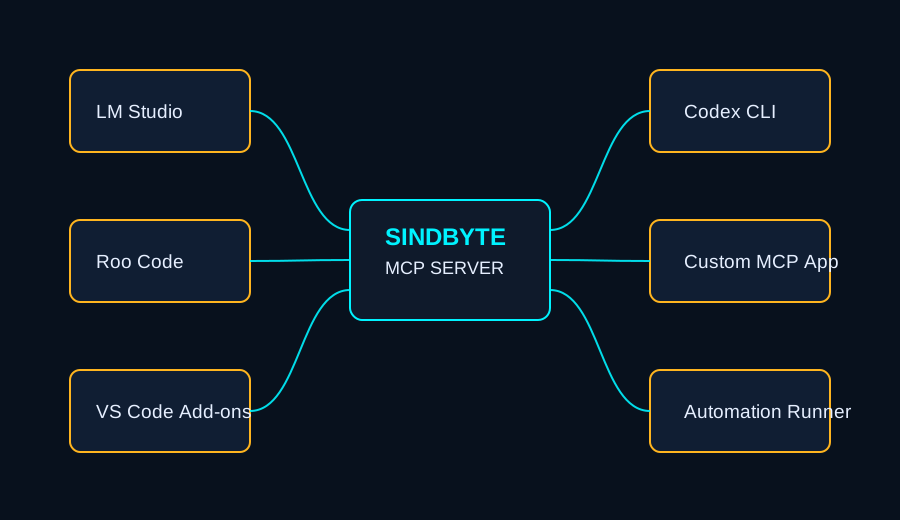


Deployment Patterns

| Host | Best fit | What it gets from SindByte | Operational note |
|---|---|---|---|
| LM Studio | Local private workflows and model experiments | Local inference plus local file, desktop, timer, and reasoning routes on the same Windows machine | Good first deployment because the model host and tool runtime stay on one PC |
| Roo Code / Cline | Coding, repo maintenance, ops workflows | FileTools, DataTools, TextTools, CUTools, SystemTools, IQ helpers, and image routes | Use ask-first on destructive routes and reload after schema changes |
| VS Code MCP add-ons and agent CLIs | Structured agent runs and bounded automation | Consistent MCP endpoint for diffs, file actions, screenshots, and tool-assisted review loops | Short registration is useful when a host prefers a tighter catalog |
| Custom MCP clients | Internal apps, dashboards, orchestration layers | Standard MCP JSON-RPC plus a runtime surface that can be intentionally narrow or intentionally broad | Live tool count depends on credentials, filters, and registration mode by design |
Startup Examples
spr_server_assistant or ToolCatalog.ListCategories when you want to inspect the current runtime surface before deeper automation.
LM Studio
Roo Code / Streamable HTTP
Registration, Filters, and Safety

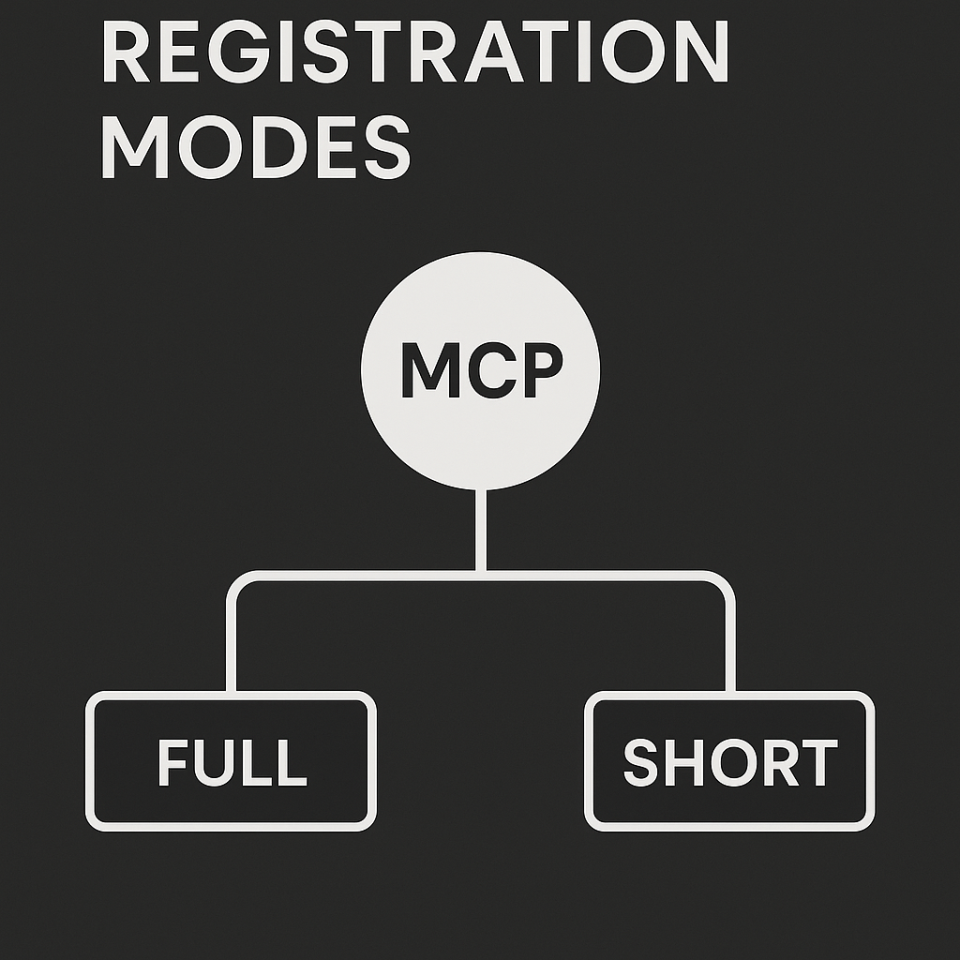
Full Registration
Enabled routes are published more directly so the host can see the broadest practical tool list without a category bridge.
Short Registration
Hosts inspect categories and tool metadata through ToolCatalog.ListCategories, ToolCatalog.ListTools, ToolCatalog.GetToolSchema, and ToolCatalog.CallTool.
Category Filters
ON publishes enabled tools, ESSENTIAL publishes only essential routes, and OFF keeps the category out of the live catalog.
Safety States
Individual tools can be Disabled, Ask First, or Enabled. Use ask-first on deletes, execution, registry changes, and trading actions.
include_schema=true is useful when a host wants richer tool definitions. This matters most when a client is navigating the catalog instead of receiving a broad direct publication.
What the Config Surface Controls
- Feature flags and essential bits for the audited default product surface.
- Provider credentials for OpenAI, OpenRouter, Serper, trading venues, and enterprise-style connectors before those routes are expected in a client.
- Publication behavior such as registration mode, category filters, and safety posture.
- Runtime settings including port, timeouts, log level, image model selection, and local-only behavior.
- Profiles and batch actions that make minimal, coding, image, desktop, or trading-oriented deployments practical without hand-editing JSON.
Why This Positioning Matters
Local Automation Layer
Files, clipboard, windows, system state, screenshots, and data processing are handled where the work actually lives: on the Windows machine.
Reasoning Surfaces
Dialog-LAB, LMChat, IQ helpers, and timers make SindByte a guided operator environment rather than a raw transport shim.
Credential-aware Connectors
Trading, cloud image, email, and enterprise connectors appear when credentials and filters allow them, which keeps each runtime intentionally scoped.
Standard Host Compatibility
The same runtime can serve a local model desktop, a coding assistant, or a custom internal client without changing the core architecture.
Next Steps
Connect a Host
Use client snippets for LM Studio, Roo Code, and custom MCP patterns.
Open ConnectionsTool Map
Browse families and understand which routes are local, filtered, or credential-gated.
View ToolsExplore SindByte
Open a focused guide instead of scrolling through one long product page.
Download Activity
Daily activity for every offered download over the rolling last 28 days. Release markers identify new product versions.